Associating Images with Revenue Centers
To assign images to a revenue center, Simphony Transaction Services Gen 2 (STS Gen 2) must be enabled.
- Select the Property, click Setup
- Under Property Configuration click RVC Configuration.
- In RVC Configuration, select the revenue center record.
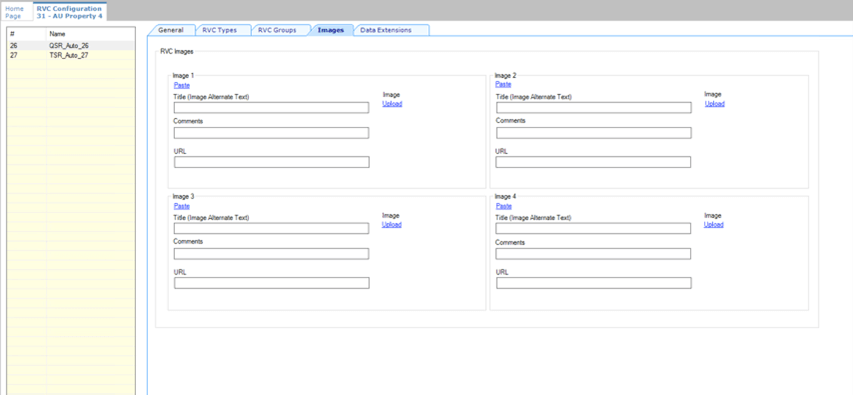
- Navigate to the Images tab.
Add an Image
-
Click Upload to select an image to upload.
After a successful upload, the URL field displays the image's path.
-
Fill in Title (Image Alternate Text) to provide integrators with a description that can be used by screen readers.
- (Optional) Enter additional details for the image in the Comments field.
5. Click Save.