Search for a Patient
Search for a patient using the Oracle Health Population AI Assistant application.
When you open Population AI Assistant, the application automatically searches for the medical record number (MRN) of the patient whose record is currently displayed in the main screen. You can also search for a patient manually using their name, MRN, or enterprise master person index number (EMPI ID).
To search for a patient:
- Enter a patient ID (for example, an MRN) into the search box and select Enter.
- Select View next to the patient to access additional content.
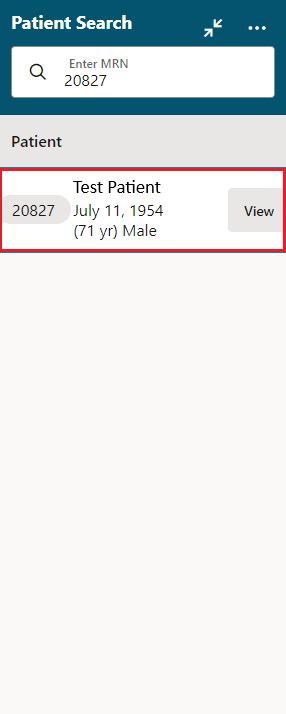
Description of the illustration assistant-patientsearchscreen-v1.png
Parent topic: Population AI Assistant