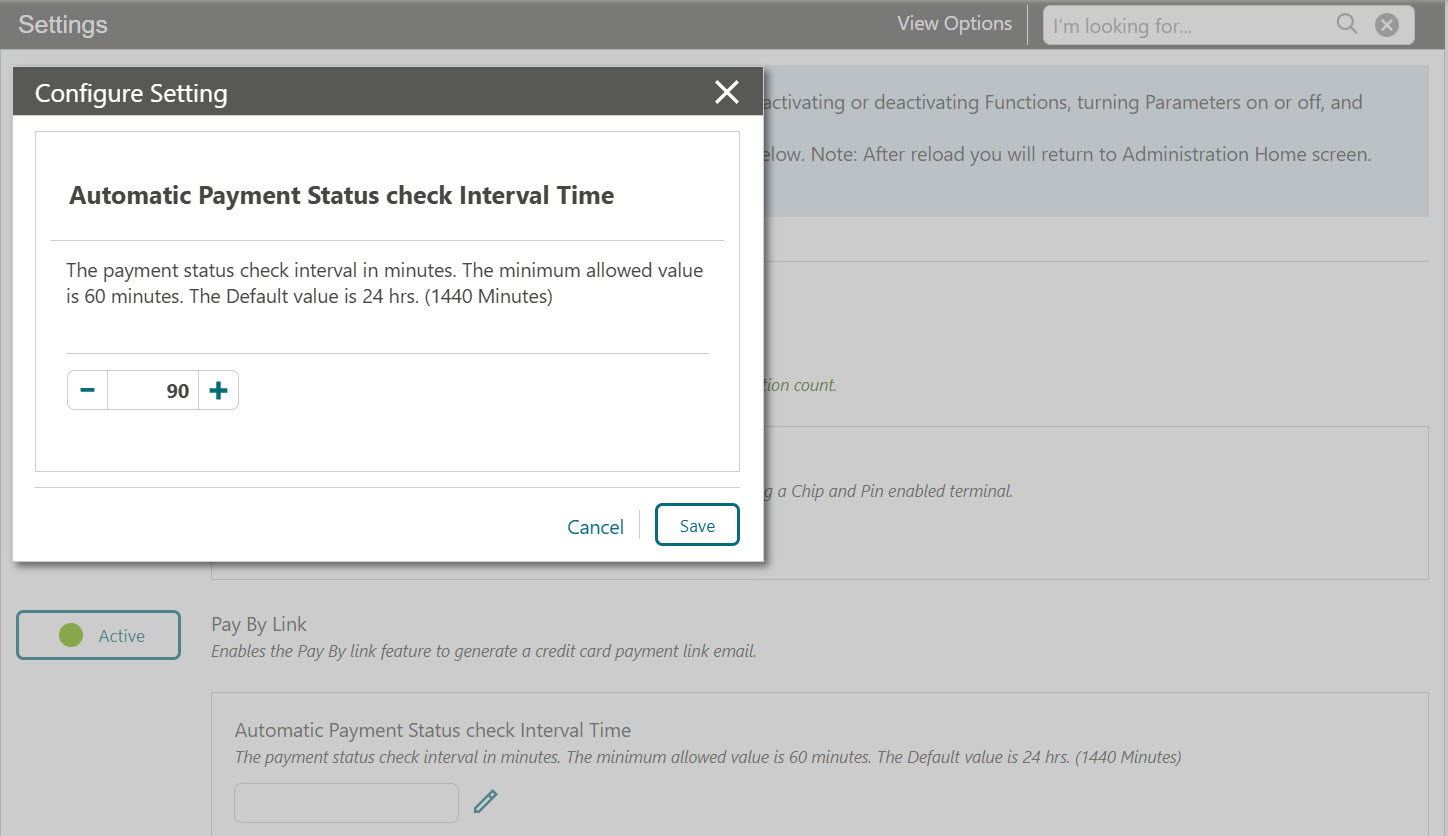
Configuring Automatic Payment Status Check Interval Time
The OPERA Cloud users with the CCCONF role can access OPERA Cloud to configure the Automatic Payment Status Check Interval Time. You can enter the payment status check interval in minutes. The minimum allowed value is 60 minutes. If left blank, the interval will default to 24 hours (1440 minutes), and the automatic payment check will be processed during the End of Day.
-
Log in to OPERA Cloud using the URL provided.
-
Enter your User Name and Password in the fields provided.
-
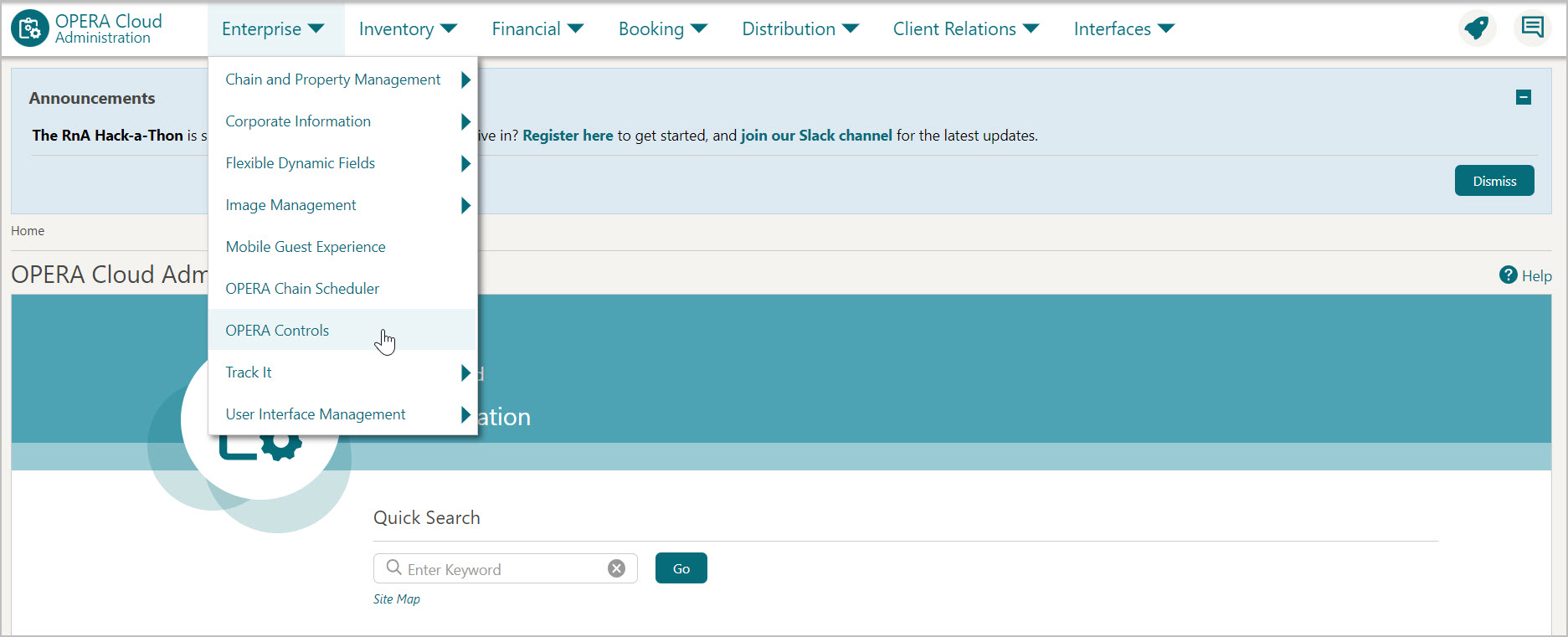
From the Administration menu, select Enterprise, then select OPERA Controls.
-
Enter or search for the property.
-
OPERA Control groups are listed down the left side panel, select the Credit Card group.
-
Click the edit icon in the Automatic Payment Status check Interval Time setting. Enter the payment status check interval in minutes.
-
Click Save to save the details.