Open a source Oracle Life Sciences application
If you have a valid account for an application that has trials onboarded to Life Sciences AI Agents, you can use the navigation menu to open the Home page in the source application.
To open the Home page in a source Oracle Life Sciences application:
- Select the Navigation Menu icon
 at the top left of the banner. The Connected Applications panel opens. For example: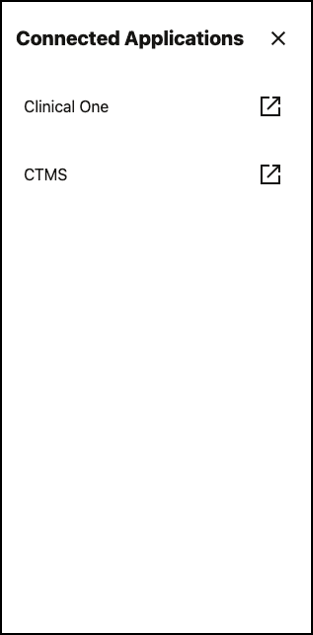
Note:
Only the source applications you have the rights to access appear in the Connected Applications panel.
Parent topic: Access source Oracle Life Sciences applications