Study library
The document edit modal now requires the Version ID field for configured items, and the Share details tab has a new Version ID column.
Required Version ID
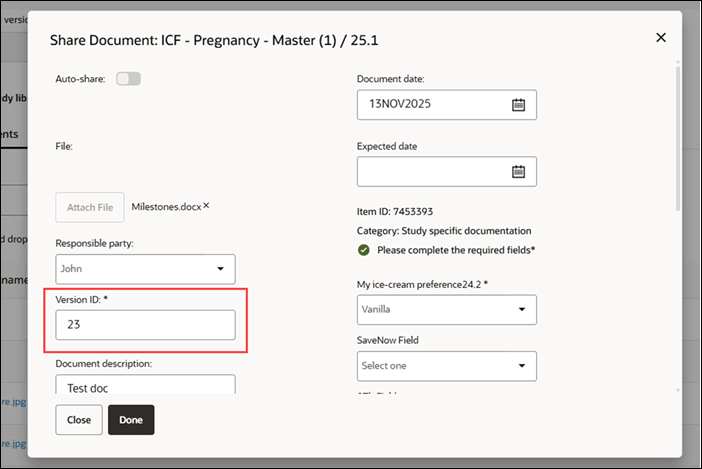
The document edit modal will now require you to populate the Version ID field when "Require version ID for item completion" is configured for the item. When you create the item in the Study library, the Version ID field label has an asterisk to indicate it is required. Provided all other required fields in the modal have been populated, entering a Version ID enables the modal’s Done button, allowing you to complete the process.
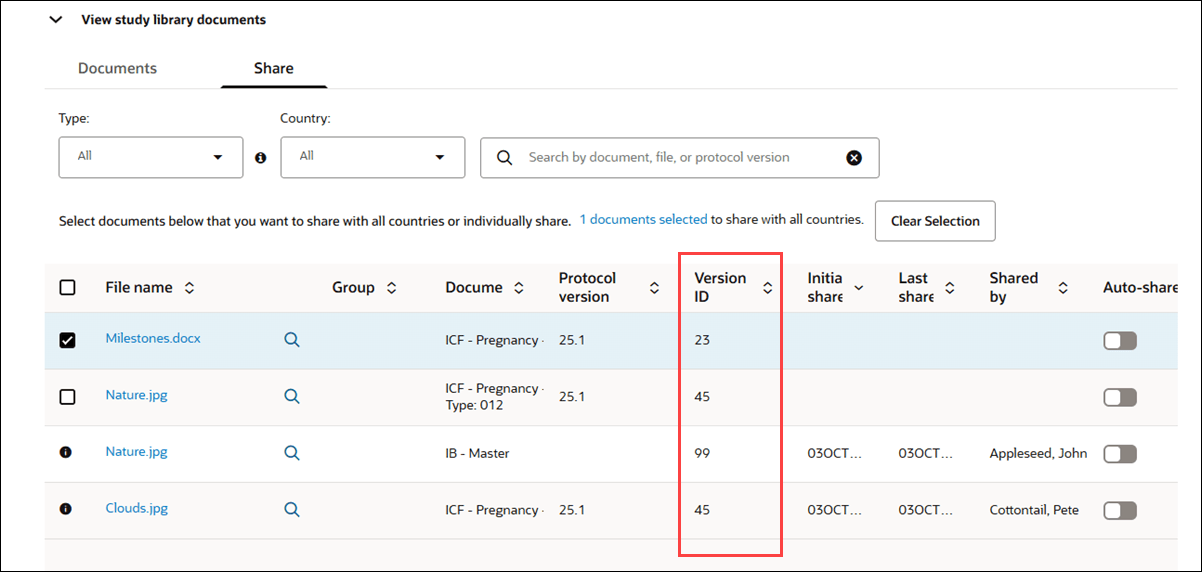
With this enhancement, we also added the Version ID column to the Share details tab.
Add/Edit Protocol version
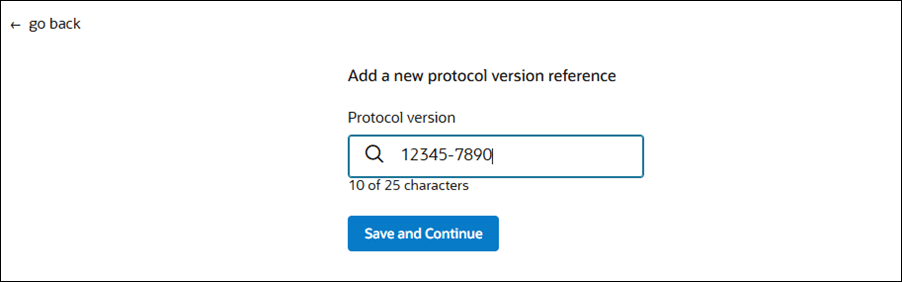
Now when you add or edit a protocol version from the Study library, you’ll see a new character counter below the Protocol version field to help you stay within the 25-character limit. If you enter more than 26 characters, the counter below the field changes to red text and the Save and Continue button will be disabled until you reduce the text to 25 characters or below.