Export
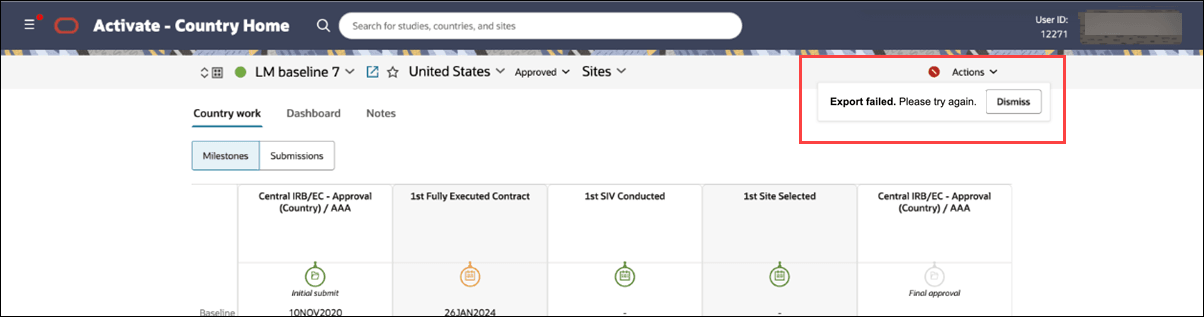
A new icon and message draw attention to failed document exports.
Document export failures
When a completed-documents export from a study country or study site fails 5 or more times, an error icon  displays for up to 24 hours beside the Actions drop-down in the persistent header. Hover over or focus on the icon to view the message: “Export failed. Please, try again.” The indicator doesn’t appear for exports that are in progress, have completed successfully, or have fewer than 5 failures, and it disappears when you request a new export.
Epic: CHK-51233