Verify an Account Holder
For details about required privileges, see Predefined Payment Groups and Privileges.
- In Payment Cloud Service, click Account Holders at the bottom of the dashboard, and then select the account holder you want to verify.
-
Click Verification Status and then Start Verification.
Note:
-
You have 30 minutes to complete the verification process. If your session ends you can continue where you left off at a later time.
-
Do not reload or refresh the page after you start entering verification details.
-
The following table summarizes the verification process and includes screenshots for each task. The screenshots only show examples, and terms might vary depending on your country.
| Task | Screen |
|---|---|
| Select the account holder. | 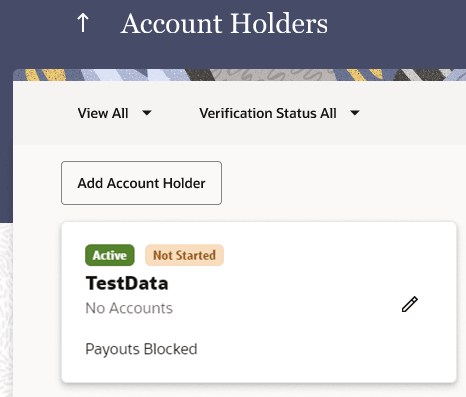 |
| Click Start Verification. | 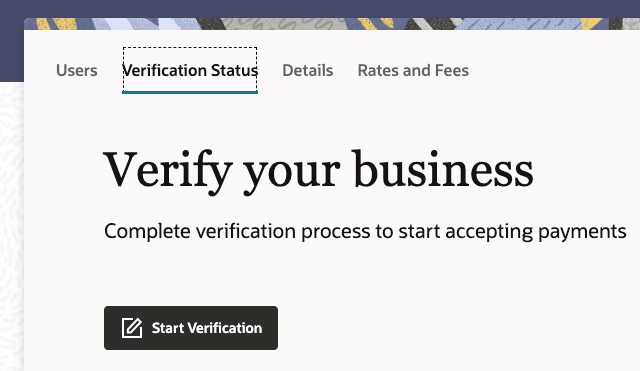 |
| Add business details, define the business owner, and then add bank details to complete the verification process. | 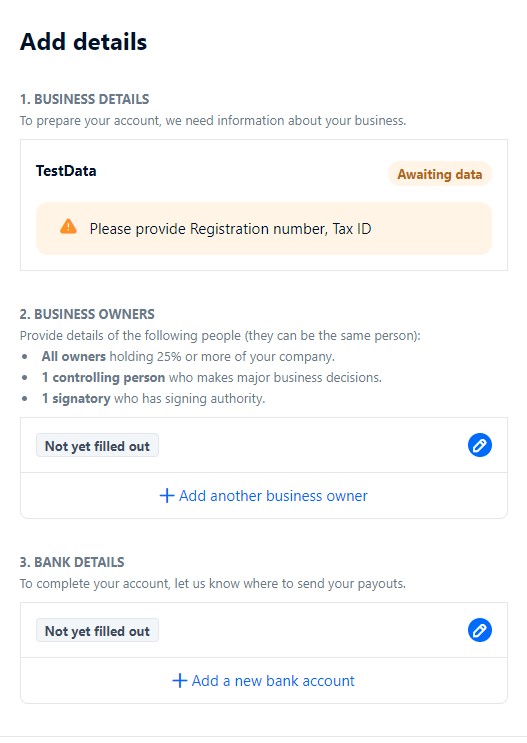 |
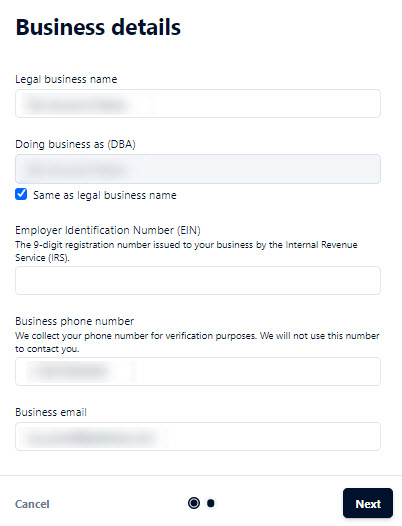
| Add company details. Note: - The information entered in the Doing business as (DBA) field must match the name on the bank statement or document that you upload in a later step. |
 |
| Add ultimate beneficial owner details for any individuals who own 25% or more of the company. One signatory and one controller must be verified. This can be the same person for both roles. Note: - The name and address must be entered exactly as they appear on their government issued photo ID. - When attaching supporting documentation like an ID make sure that you: - Fit the ID within the frame of the photo without excess background in the frame. - Use a color photo. - Rotate the photo so it opens and reads left to right. |
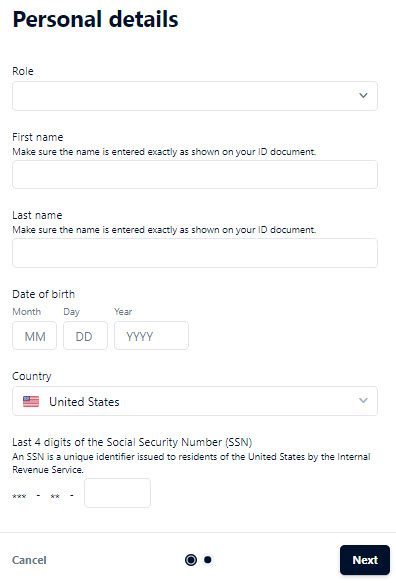 |
| Add bank details and be prepared with the following information: - A business bank statement (PDF) from the past 30 days. - A screenshot of online banking page with business account name, address, and account number visible. - A photo of voided business check, with business account name, address, account, and routing number visible. The check should show IBAN and sort code for banks in the UK. - When attaching supporting documentation make sure that you: - Fit the document within the frame of the photo without excess background in the frame. - Use a color photo. - Rotate the photo so it opens and reads left to right. |
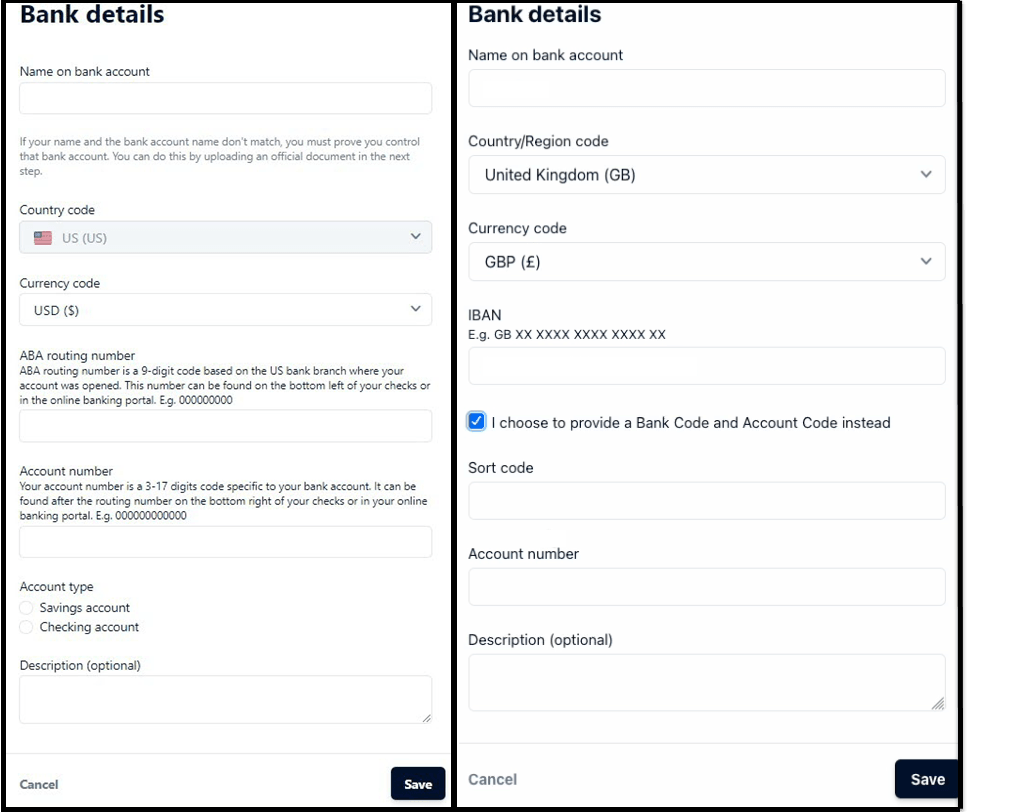 |
| Complete the process. |  |
| Redirect after process is complete. |  |
Parent topic: Account Holders