Approved Profiles
In the Approved Profiles screen, you can see the profiles that have been approved. the approved profiles are exported to different flat files during the nightly batch or whenever the ad hoc process for export is executed. The profiles are shown in the Approved Profiles screen only after the export is completed. For details of different export files refer to the Oracle Retail AI Foundation Cloud Services: AI Foundation Implementation Guide.
Using the drop-down lists in the filter section you can filter profiles based on the profile
level and the merchandise/location combination at that level. For example, to see all approved
and exported profiles at the subclass/location level for US-San Jose, set the location level to
location. Set the location selection to US-San Jose. Set the merchandise level to subclass and
set the merchandise selection to All.
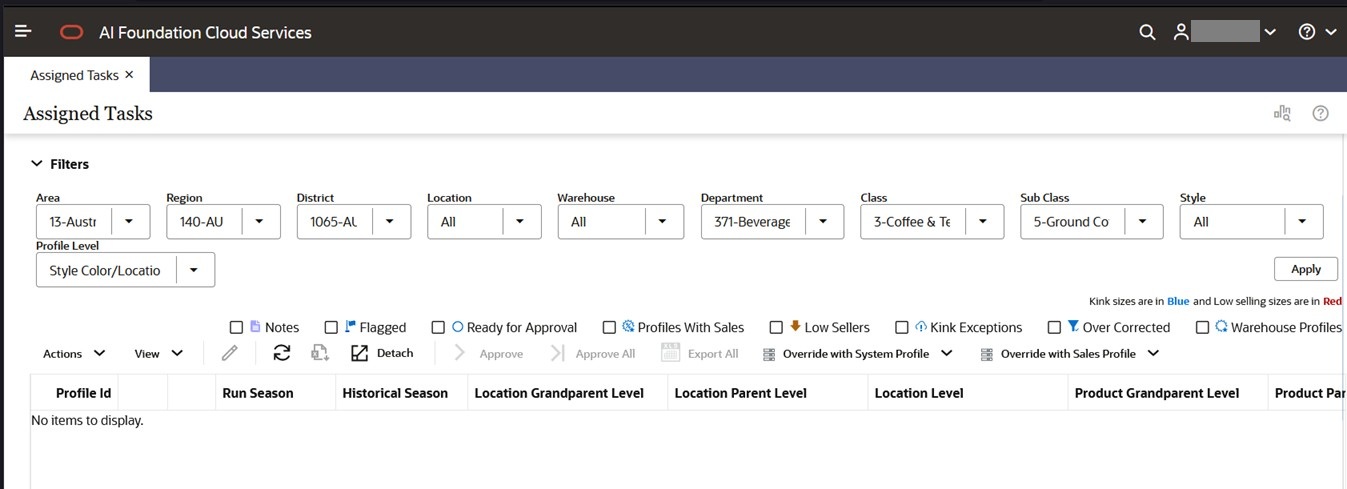
Figure 8-12 Approved Profiles