New Item and New Location Setup
You can access the workspaces from the left side Tasks list on the Forecast Engine task as shown below.
Figure 11-42 New Item and New Location Setup
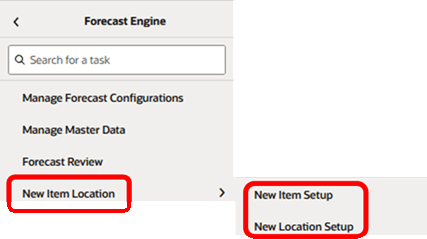
This section describes the workflow and screens available to set up forecast strategies for new items and new locations.
When entering the workspace, you can open the top filters panel. The settings in the panel define the scope of the workspace. For instance, you can select the products and locations that you want to work with.
For the new location workspace, you can select the merchandise level that you want to set for the forecast strategies. For the new item workspace, you can select the location level at which you want to define the setup.