Manage Configurations
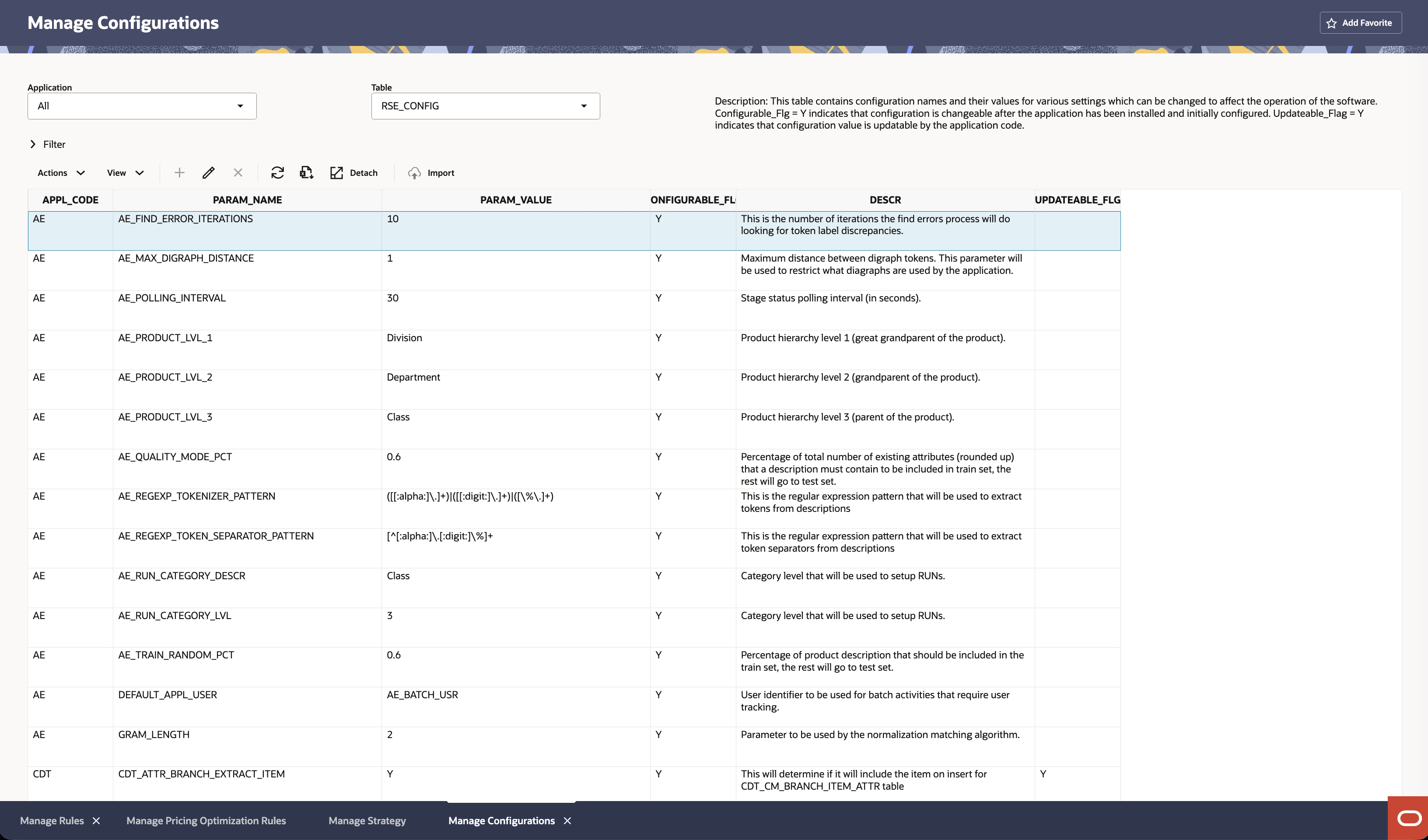
In Manage Configurations, a user can edit the configurations of different applications using the Manage System Configurations functionality. In this screen, the tables can be filtered by applications.
To edit a row in any table, click the row and click the Edit icon. You can override the values for the columns that are editable.
Figure 11-37 Manage System Configurations