14 Manage Role Labels
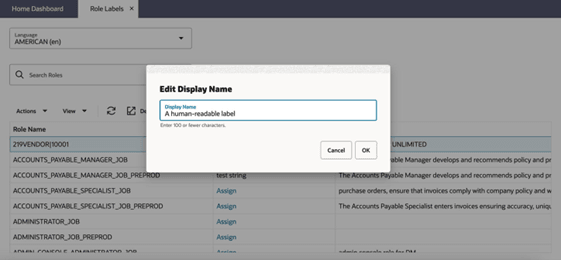
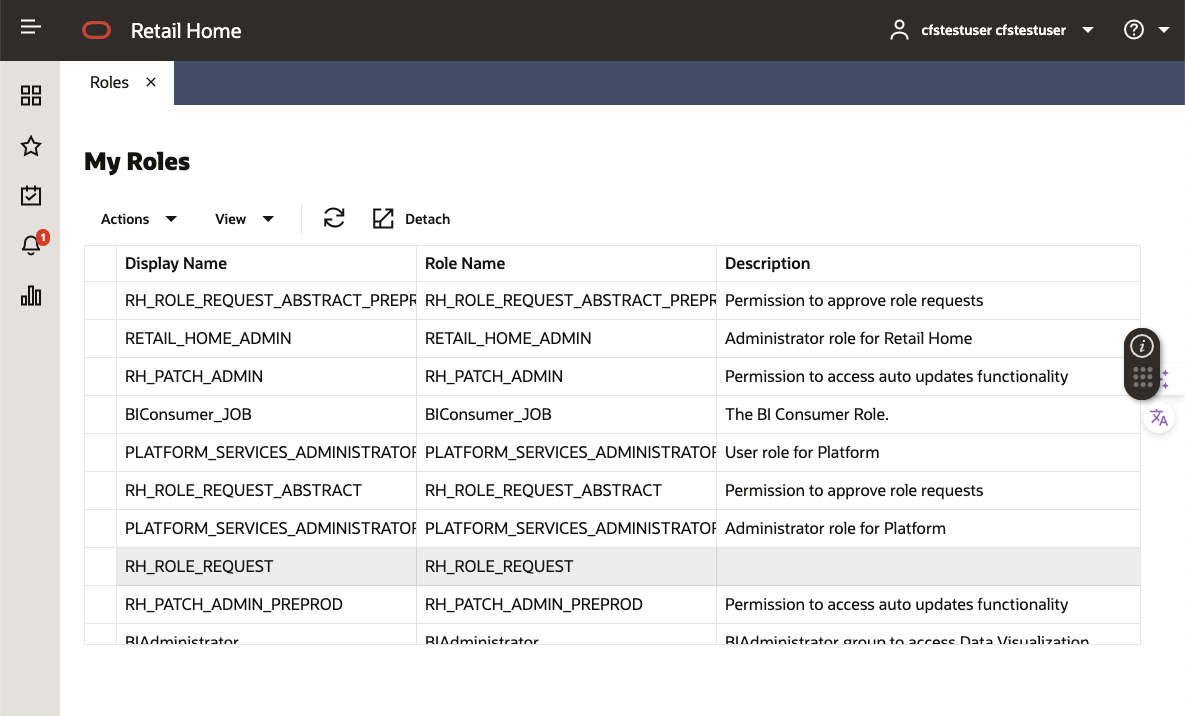
Retail Home provides the option to configure custom labels for user roles. These labels are language-specific and will be displayed in place of the internal role name on the dashboard, and alongside the internal name on the role request screen.
Launch: The Manage Role Labels can be accessed from:
- Ask Oracle menu → Configurations & Integrations
- Legacy UI → Settings → Resource Bundles → Role Labels
Assigning Role Labels
To assign a label to a role, select it in the table and either click the Assign link in the display name column, or click the Edit Display Name button at the top of the table.
Figure 14-1 Assign Display Name
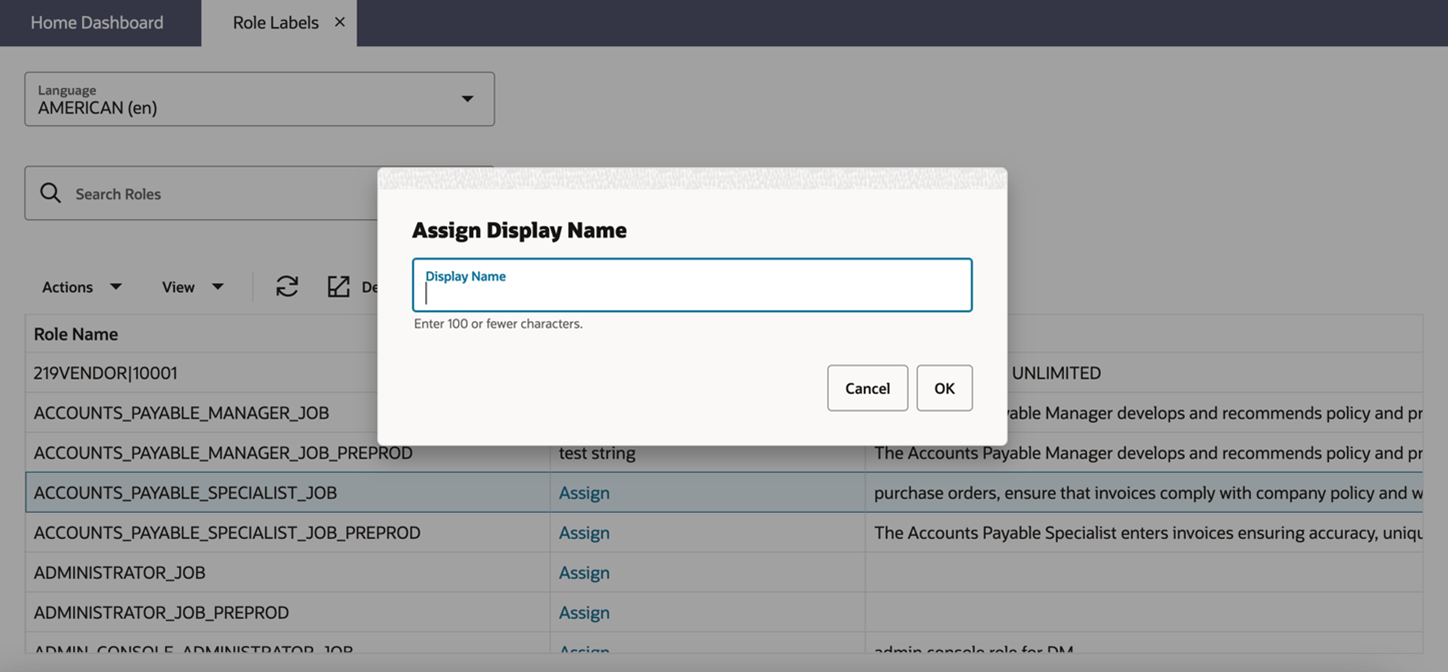
Enter the label to assign to the role name in the dialog and select OK to submit it. Changes to role labels will not appear in some pages of Retail Home until after the application is refreshed.