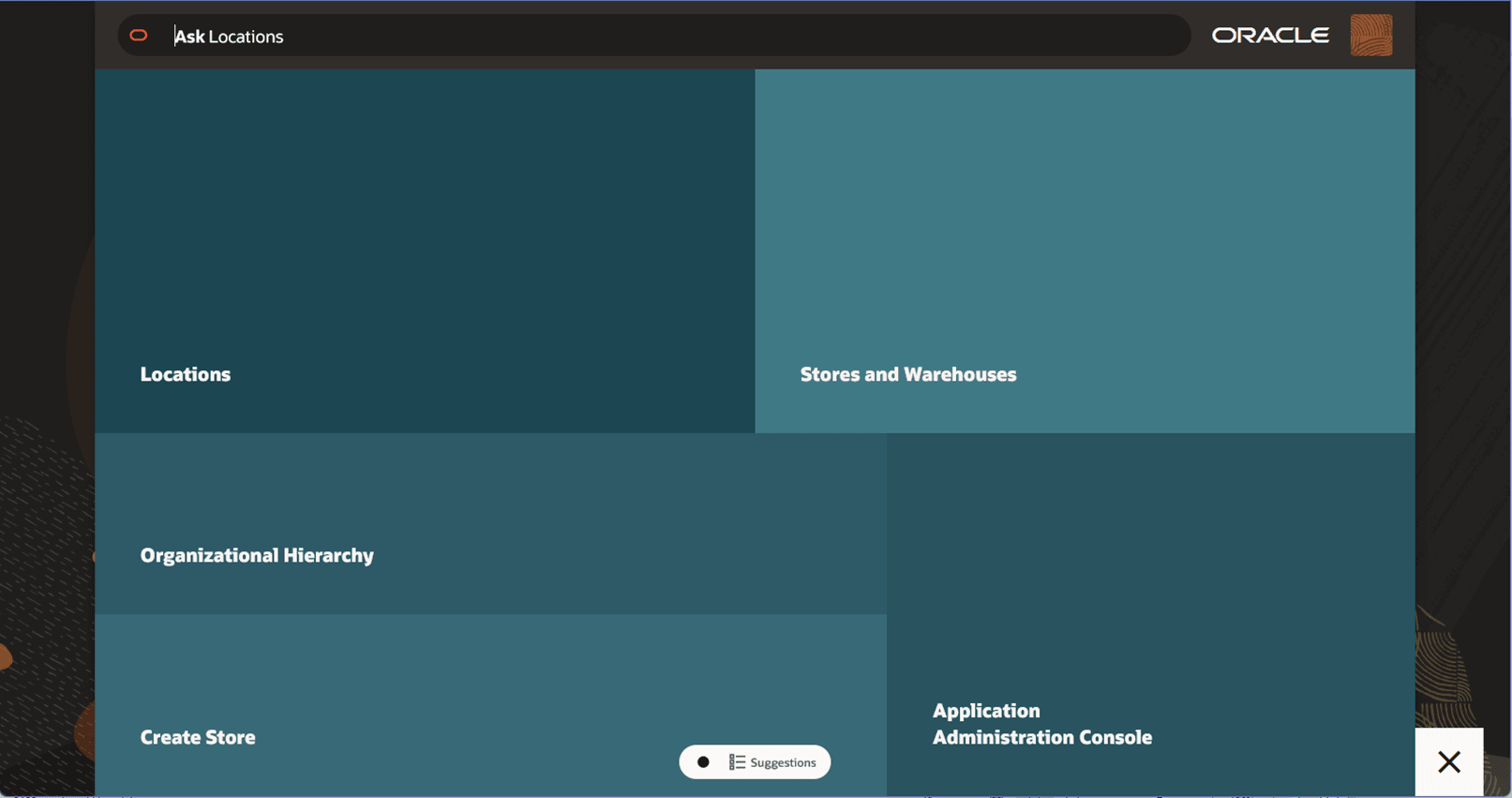
Accessing the Home Experience
The Home Experience is a full-page menu that overlays on top of whatever screen you were previously viewing. It is always accessible from any screen by clicking the Oracle icon, also referred to as the “O-tag”, in the bottom right corner. From the Home menu, you can quickly access the tasks available to you in the Locations Destination.
-
Click the Oracle icon, also known as the “O-tag”, in the bottom right corner of any the page in the Locations Destination. The Home Experience, which is a full-page menu, will display.
Figure 1-1 The O-tag, Used to Open the Home Experience
Figure 1-2 The Home Experience