Action Buttons and Menus
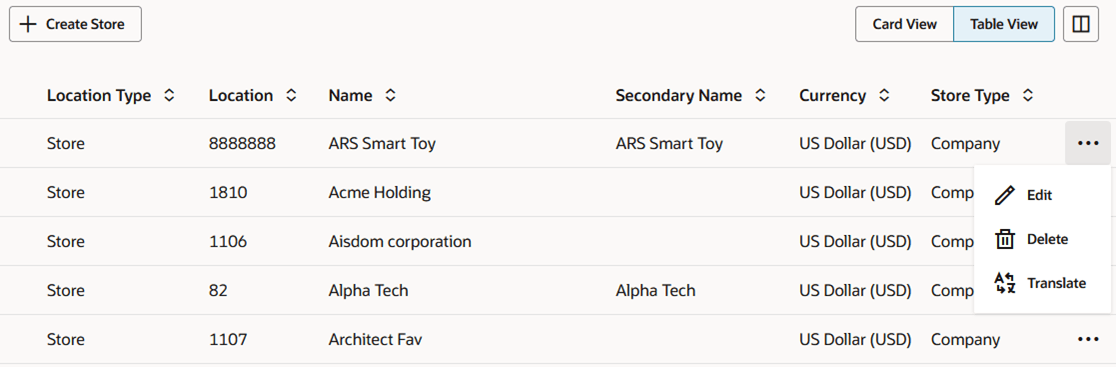
The Actions available to you, against one or more rows in a table, will be displayed just above the table on the far left of the table toolbar, and/or on a card in a card view, or contained in an Actions menu in an Action column on the table.
These actions, such as create, edit, delete, submit, approve, and so on, will vary from table to table, depending on the functionality available for the records displayed in the table. Some pages may provide additional options, based on the functionality of the page. The details on those more unique options can be found in the documentation for that particular page.
Figure 2-1 Action Buttons in Table Toolbars

Figure 2-2 Action Buttons and Menus on Cards
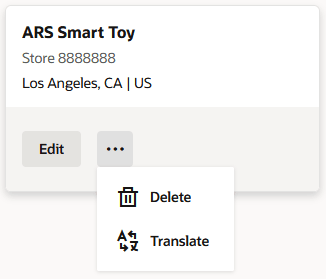
Figure 2-3 Action Menus in Table Columns