Adding Fields to the User Interface in Oracle Fusion Field Service
To add newly created properties to the Mobility/UI screen:
1. Login to Oracle Fusion Field Service.
2. Navigate to Configuration > Displays > Screens.
3. Different screens are available.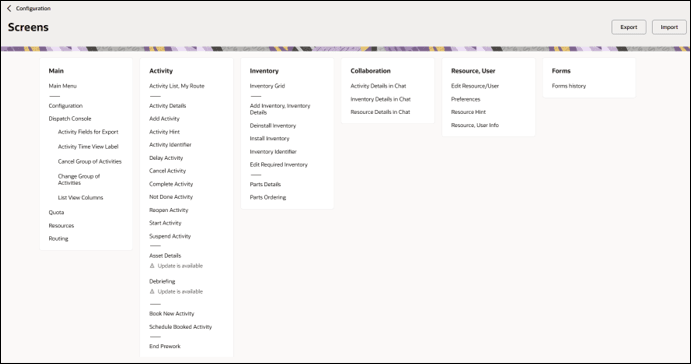
4. Click Activity Details to add a field to the activity level.
5. Drag and drop the elements available in the left pane as required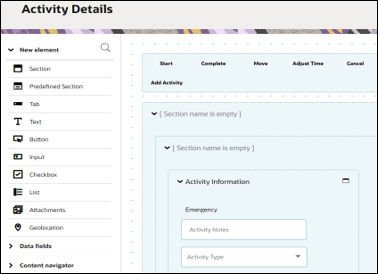
6. Select the required property from the Activity field drop-down list.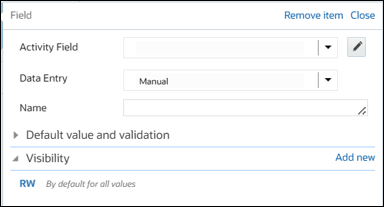
7. In the Name section, enter the label name.
8. In the Visibility section, enter if the property should be read or read-write.
9. Click Save.