Text Box
The following is an example of a basic text box:

If the text box is a large field, the text box may be configured to enable scrolling. In this situation, most browsers offer a widget in the bottom outer corner that allows you to resize the editable window.

In our fixed pages, this type of text box also offers an expanded edit icon, (a pencil), that will appear adjacent to it.

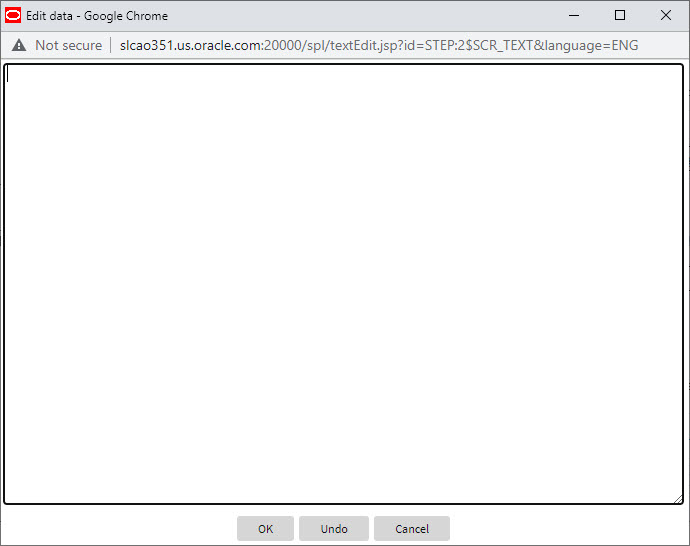
- If you click the expanded edit icon, an editable pop-up window appears. If the field is not protected as a result of business rules for the page, you may modify the text in this window.
Note:
The following table highlights special characters that are converted to equivalent standard characters when entered in a text box.| Entered Character Description | Unicode | Converted Character Description |
|---|---|---|
| Curly left double quote. | U+201D | Straight double quote. |
| Curly right double quote. | U+201C | Straight double quote. |
| Curly left single quote. | U+2019 | Straight single quote. |
| Curly right single quote. | U+2018 | Straight single quote. |
| En dash. | U+2013 | Simple hyphen. |
| Em dash. | U+2014 | Simple hyphen. |
| Ellipse | U+2026 | Three dots. |
| Middle dot (bullet / centered dot) | U+00B7 | Asterisk. |
| Fraction 1/4 (using 1 character). | U+00BC | 1/4 (using three separate characters). |
| Fraction 1/2 (using 1 character). | U+00BD | 1/2 (using three separate characters). |
| Fraction 3/4 (using 1 character). | U+00BE | 3/4 (using three separate characters). |
Parent topic: Object Display Area