Tip Module Examples
Progress Report Tips
Appears in: Progress Report
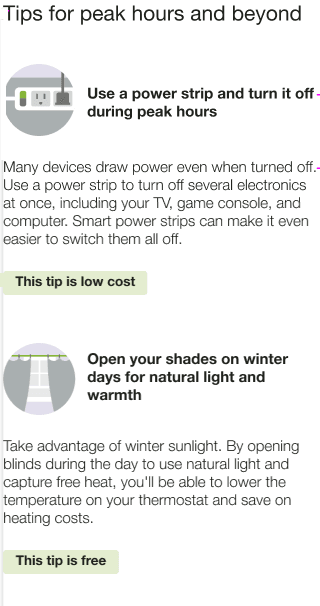
The Progress Report includes a single tip module on the back of the report which highlights personalized aspects of the tip experience.
This image is an example of the progress report tip design.
Promotion Report Tips
Appears in: Promotion Report
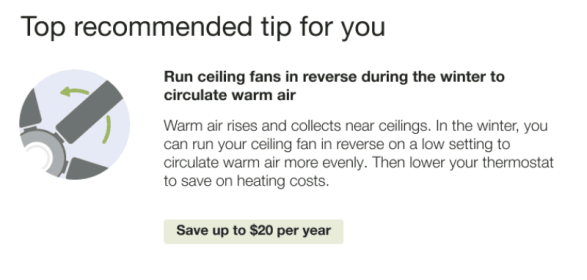
The back of the Promotion report includes two tip modules. The tips use disaggregation or Home Energy Analysis data to provide customers with low or no-cost actions.
This image is an example of the promotion report tip design.
Welcome Report Tips
Appears in: Time of Use Report, Limited Income Welcome Report, Solar Report
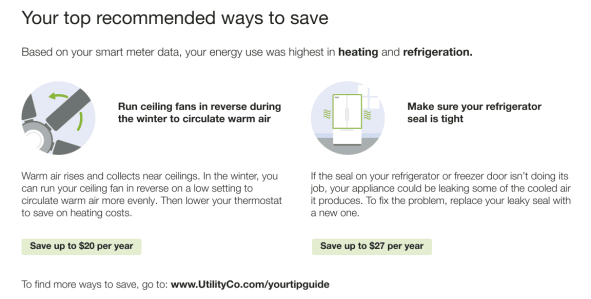
The Welcome tip module includes two tips that highlight the personalized aspects of the tip experience.
This image is an example of the welcome and announcement report tip design.
Seasonal Report Tips
Appears in:Seasonal Report
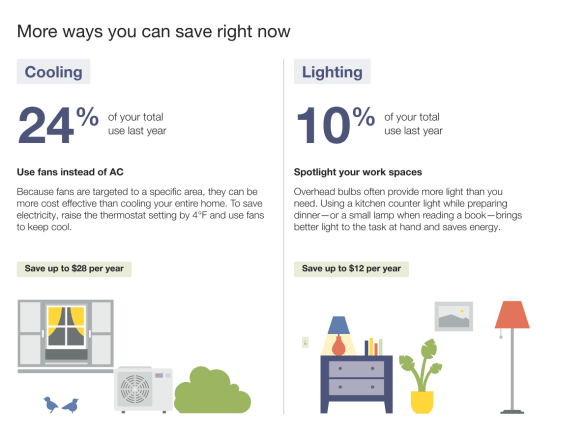
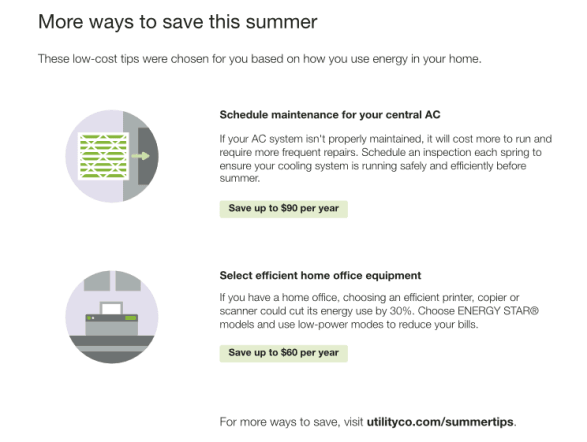
The Seasonal Report includes two seasonally relevant tips designed to help them lower their energy use, and encourages them to view more energy saving tips on the web. The first tip module focuses on how the customer can save on cooling during the summer season. The second tip helps them save on another targeted end use.
This image is an example of the Seasonal Report tip design.
Solar Report Tips
Appears in: Solar Report
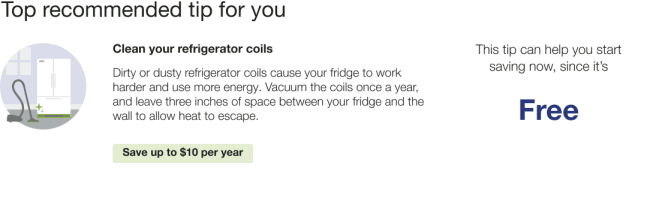
The Solar Progress Report tip presents a single tip module on the back of the report which highlights personalized aspects of the tip experience .
The image is an example of the Solar Tip design for a Solar Progress Report.
Time of Use Report Tips
The Time of Use Report includes three rotating tip modules that highlight personalized aspects of the tip experience that can help customers on time of use plans save energy and money.
Disaggregation Tip Module
Appears in: Time of Use Report
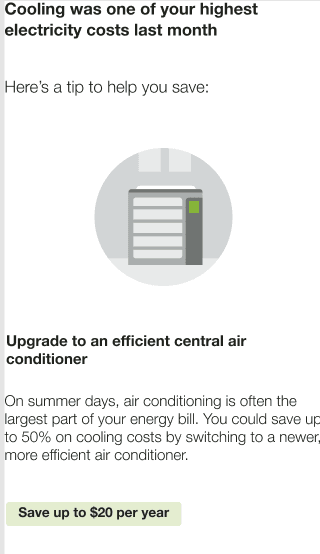
The Disaggregation and Tip module highlights the customer’s highest electricity end-use category and provides a single tip related to that end-use. The tip shown is determined by the customer's top energy use category.
The following image is an example of the Disaggregation tip for a cooling top category.
Large Appliance Tip Module
Appears in: Time of Use Report
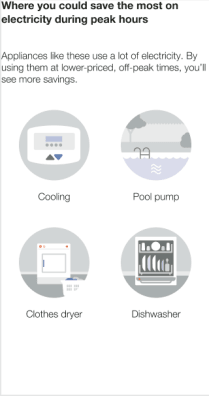
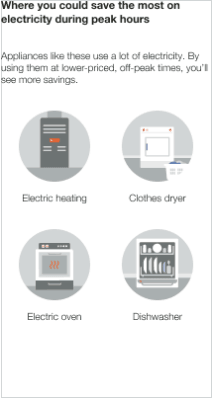
The Large Appliance Tip module highlights four large appliances that typically consume a lot of electricity when run, and provides a link to where to customers can learn more about saving energy.
These images are examples of the Large Appliance Tip design for the hot and cold weather seasons.
| Hot Weather | Cold Weather |
|---|---|
|
|
Two Tip Module
Appears in: Time of Use Report
The Two Tip module provides the customer with a peak-savings tip and an anytime-savings tip. This image is an example of the Two Tip design.