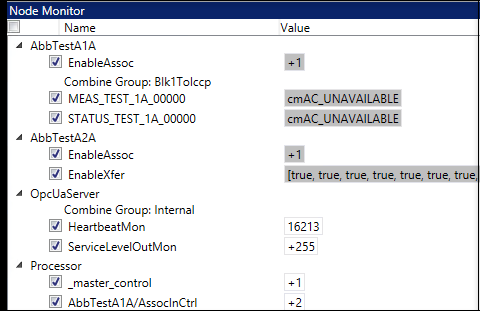
Node Monitor
After you have a working configuration, you can start the configuration and examine the contents of each node in the Node Monitor.
To examine the nodes in your configuration:
- Click the Node Monitor tab at the bottom of the Node Table.
- Click Start service in the LEC Configuration Manager header if LEC Server is not already started.
- Click each of the checkboxes next to the nodes whose values you want to monitor.