Introduction Module
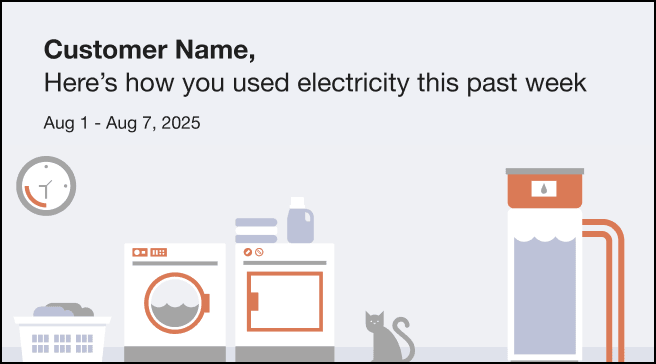
The Introduction module is used at the top of most emails and sets the context for the customer's report.
Configuration Options
For each element listed in the table, indicate the desired configuration in the Input Value column. If you do not provide an input for optional configurations, the default will be used.
Table A-3 Configuration Options
| Configuration Option | Input Value |
|---|---|
|
Header The statement that appears at the top of the email to explain what the email is about. Default: The default value changes based on the email that is sent. |
Optional Choose one of the following:
|
User Experience Variations
This section discusses how the module can vary.
Flat Rate Load Shifting Report Variation
When this module is included in the Flat Rate Load Shifting Report, it varies as follows:
- Heading: The heading asks the reader to consider what appliances they can use during a different time period. For example, "What you can shift"
- High-Energy Insight Statement: The statement notifies the customer that they can shift their usage to a different time period to use cleaner energy sources. For example, "Appliances like these use a lot of electricity. To use cleaner sources of energy, use them before 4pm and after 8pm, when demand on the grid is lower."