Adding Documents to a Flow
To add a document to a flow:
- Select and right-click the flow name in the Oracle Utilities Testing Accelerator flows tree structure.
- Click Create/Update Flow Structure.
- In the Flow Creation zone, click Documentation.
- Click Manage.
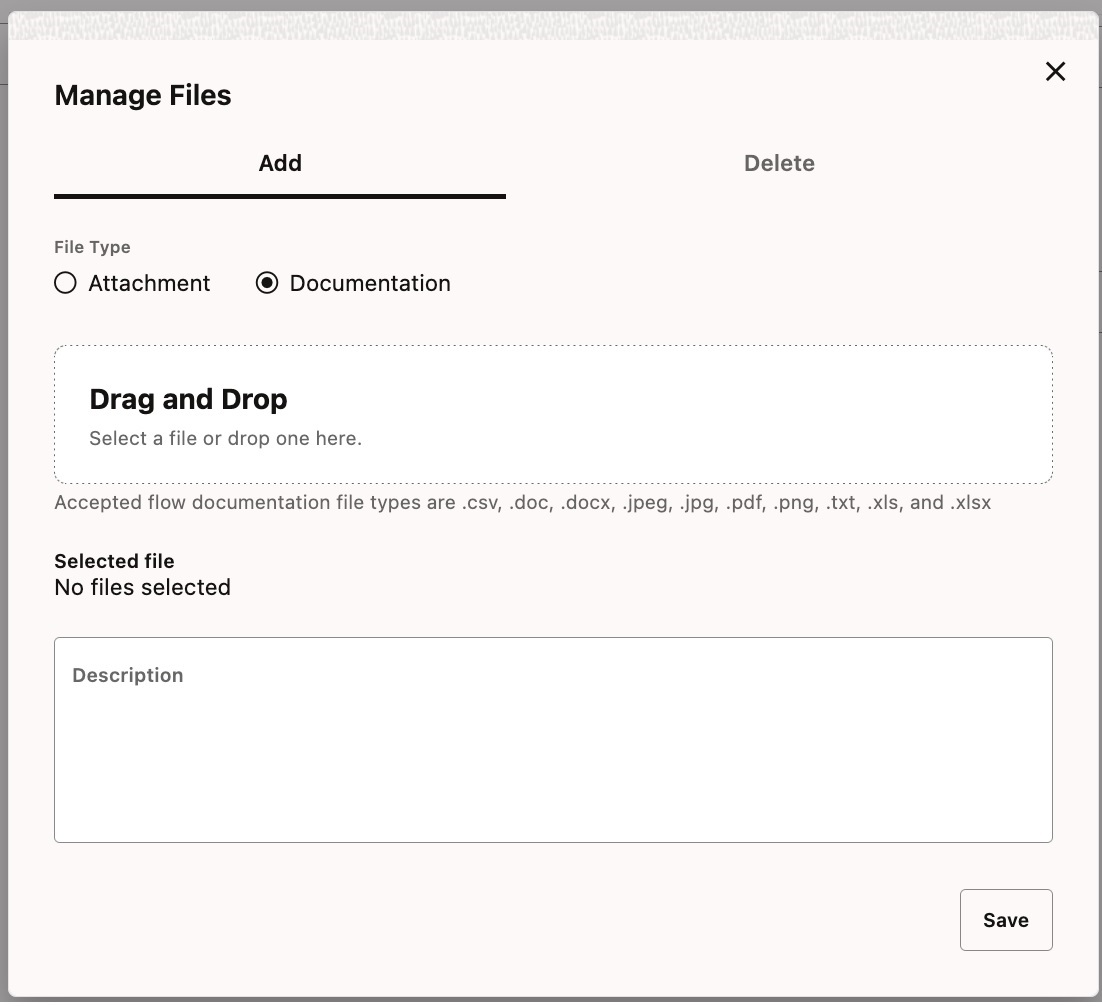
- Drag and drop the documentation file. Alternatively, click the field to add the file using file explorer. Make sure the Documentation File Type option is selected.
- Add the file description in the Description field.
Figure 8-20 Adding documents to a flow
- Click Save.