Viewing Flow Run Failure Details
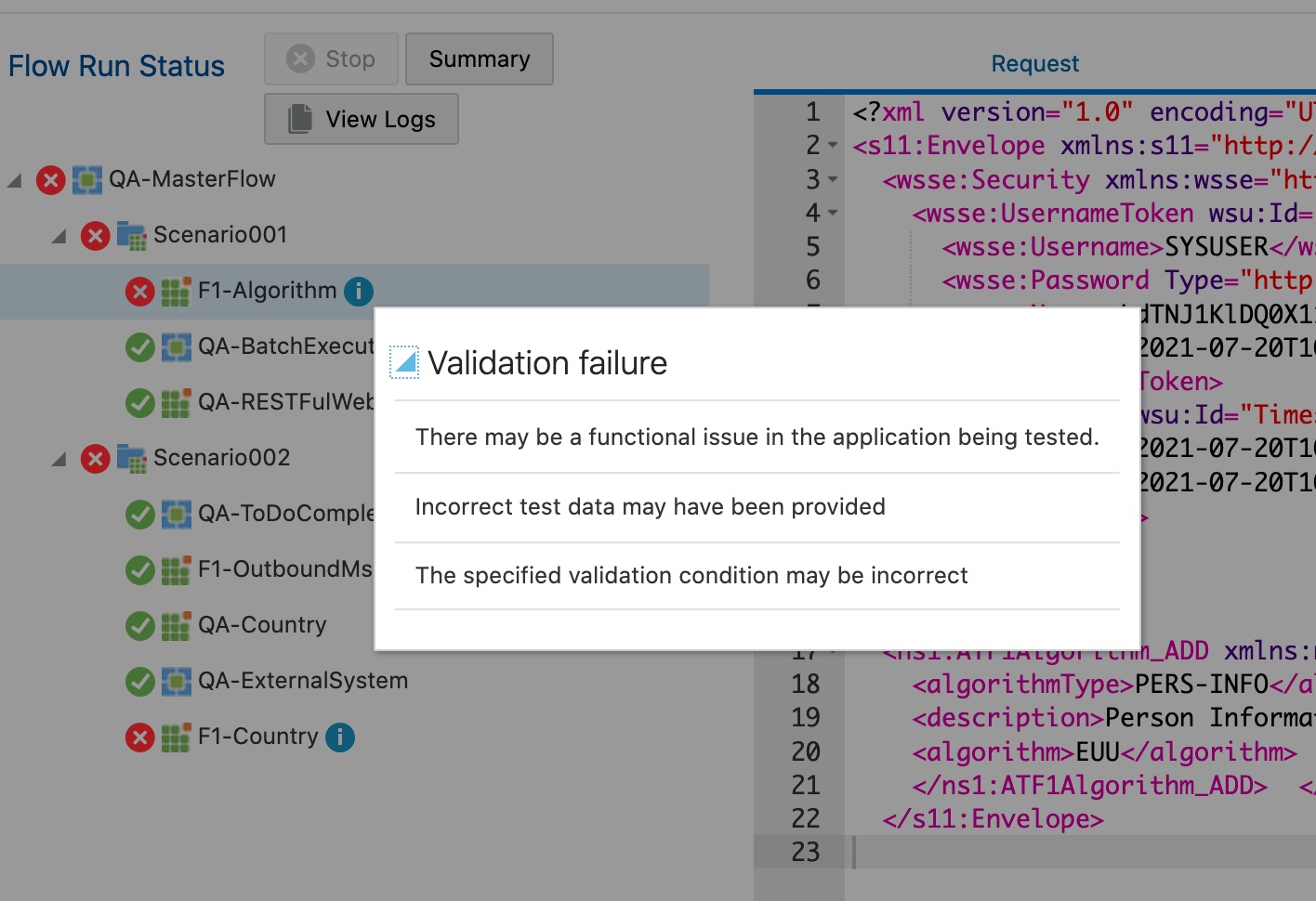
If a flow run fails, the possible reasons for failure can be viewed. Click the Info icon next to the failed component step in the Flow Run Status tree structure.
To view the failure details for a flow run:
- Login to Oracle Utilities Testing Accelerator.
- Navigate to the Flow menu.
- On the left pane, navigate to the flow and right-click it to view the run summary. Click View Run History.
- Click the flow run entries to view the respective details of that run.
- Click the Info icon next to the failed component step in the flow run. The error is displayed along with a list of possible reasons leading to the error.
Figure 8-38 Flow run validation failure details