Change Data Blending in a Visualization
You can modify a visualization's properties to override the workbook's data blending settings.
Datasets that use Oracle Essbase or Oracle EPM Cloud connections aren't available for blending.
See Understand Blending.
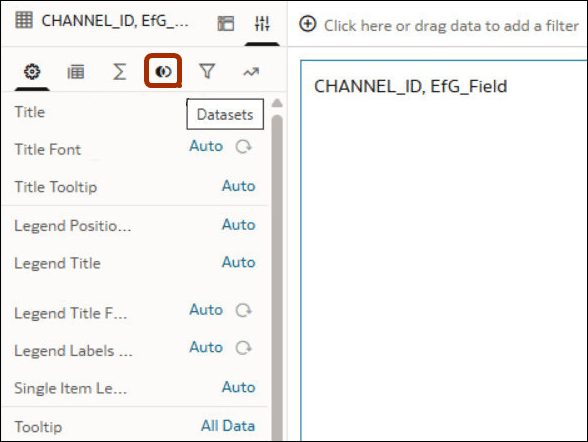
Before you start, make sure that your workbook is referencing more than one dataset. The workbook in this example references datasets DF INPUT DATASET and ABCD2. If you don't have two datasets blended in the workbook, the Datasets icon won't display on the Properties pane of the Grammar Panel. Oracle Analytics blends datasets automatically in a workbook if you add multiple datasets that share a common name and have compatible data types and common attributes.
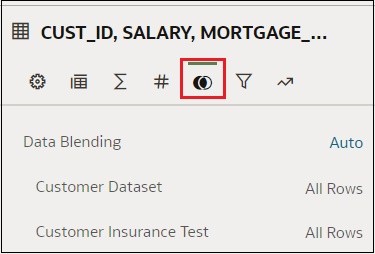
- In the workbook, select a visualization, and in the Properties pane click Datasets.