Use the Search Bar to Find Your Content
Use the search bar to search for the content you're interested in using search terms, content types, and search tags.
- On your home page, type in a search term and either press Enter to search for content or Shift + Enter to visualize data.
- Specify the full or partial name of what you're looking for. The search is case-insensitive.
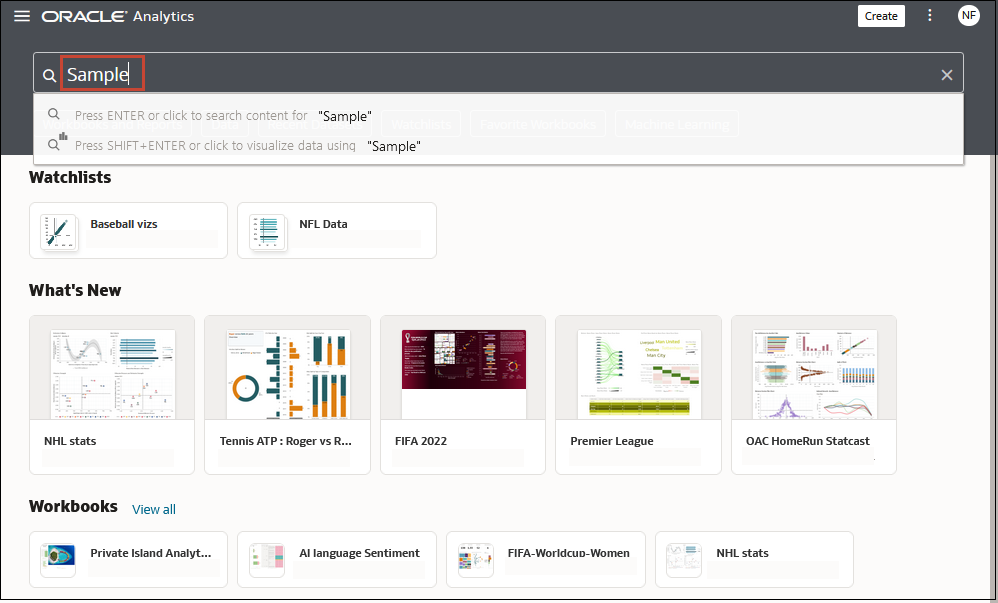
Description of the illustration searching-content.png - (Browser dependent) Click Dictate (if displayed) and speak your search term.
- Specify the full or partial name of what you're looking for. The search is case-insensitive.
- Type a question in natural language. For more information, see Generate Visualizations from Your Home Page.