Navigating to the Oracle WebLogic Server Administration Console and Other Pages
To navigate to the Oracle WebLogic Remote Console, see About WebLogic Remote Console
Figure 2-1 Oracle WebLogic Server Administration Console
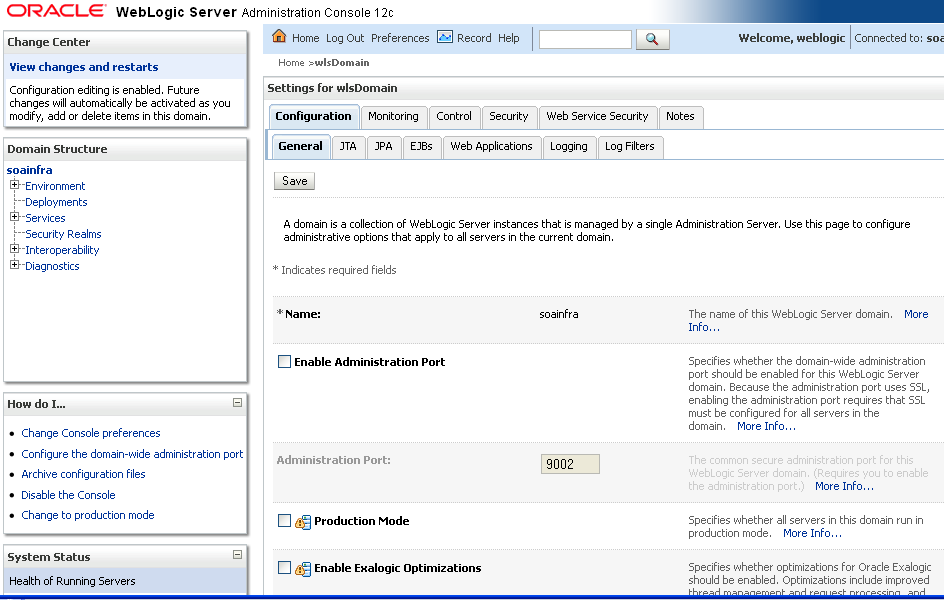
Description of "Figure 2-1 Oracle WebLogic Server Administration Console"
Most pages in Oracle Enterprise Manager Fusion Middleware Control include a Related Links menu in the upper right-hand corner. Depending upon your current location, the context of the menu changes to provide links to relevant pages. For example, when you are on the BPEL process service engine page, the Related Links menu provides links to the SOA Infrastructure home page, the BPEL process configuration properties page. You can also click soa-infra at the top of the BPEL service engine page to go directly to the SOA Infrastructure home page.
Figure 2-2 Related Links Menu for a SOA Composite Application
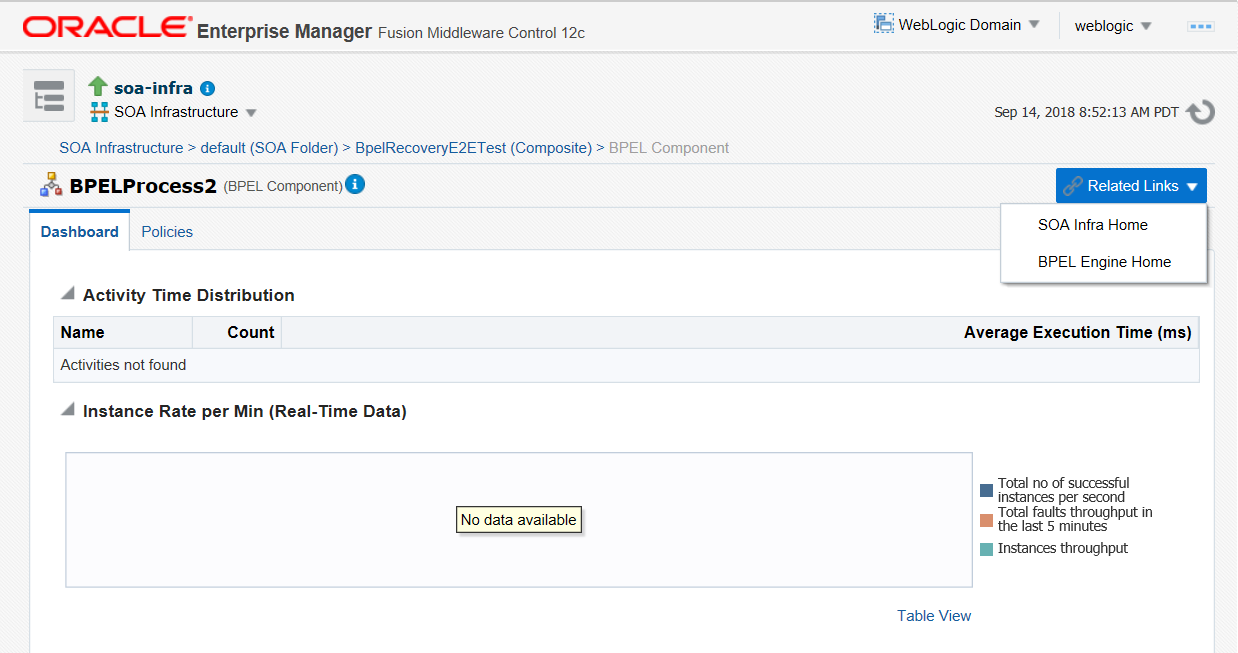
Description of "Figure 2-2 Related Links Menu for a SOA Composite Application"
When you are on the page of a service component of a SOA composite application (for example, a BPEL process or Oracle Mediator), several navigational menus and links are available:
-
The Related Links menu provides links to the SOA Infrastructure home page and the applicable service engine home page.
-
Breadcrumbs are displayed in the upper left-hand corner as you traverse further into a SOA composite application.
-
Within any SOA composite application page (including the service component pages), links to the SOA Infrastructure pages also remain available through the SOA Infrastructure menu that is displayed next to the WebLogic Domain menu above the navigator. For example, this enables you to go from the home page of a specific BPEL service component directly to the BPEL service engine configuration properties page.
-
Names at the top of the page can be clicked to navigate to parent pages. For example, clicking the name of a composite at the very top of a service component page enables you to go to the composite that includes that component.
The service engines, SOA administration (such as the SOA Infrastructure Common Properties page), and business event pages all provide access to Oracle WebLogic Server Administration Console from the Related Links list. Selecting Oracle WebLogic Remote Console opens a new browser page. Your current page in Oracle Enterprise Manager Fusion Middleware Control is not lost.
You can perform the following Oracle SOA Suite tasks from Oracle WebLogic Remote Console:
-
Configure adapter connections for composite references.
-
Create and manage data sources used by adapters.
-
Create and manage JMS resources used by adapters.
-
Manage SOA Infrastructure data sources (for example, modifying connection pool settings).
-
Administer security of human workflow users.
-
Manage Oracle WebLogic Server transaction (JTA) settings (for example, the transaction timeout value).
-
Deploy human task user interfaces.