| Oracle® Health Sciences Network User's Guide Release 2.0.0.0 E35514-02 |
|


|
PDF · Mobi · ePub |
| Oracle® Health Sciences Network User's Guide Release 2.0.0.0 E35514-02 |
|
|
PDF · Mobi · ePub |
This chapter contains the following topics:
Perform the following steps to log into the Oracle Health Sciences Network:
Open your browser and enter the URL provided by your company.
Figure 2-1 Oracle Health Sciences Network Login Page
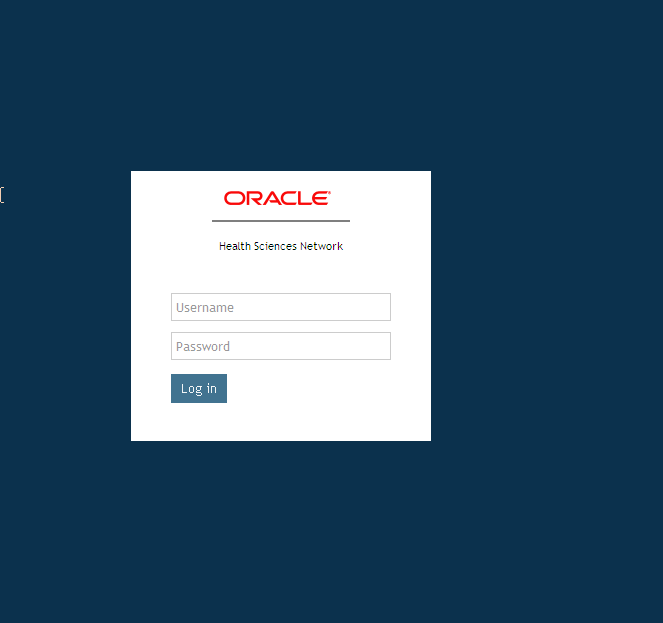
Enter your user ID and password.
Click Log in. After your login credentials are authenticated, the default home page is displayed.
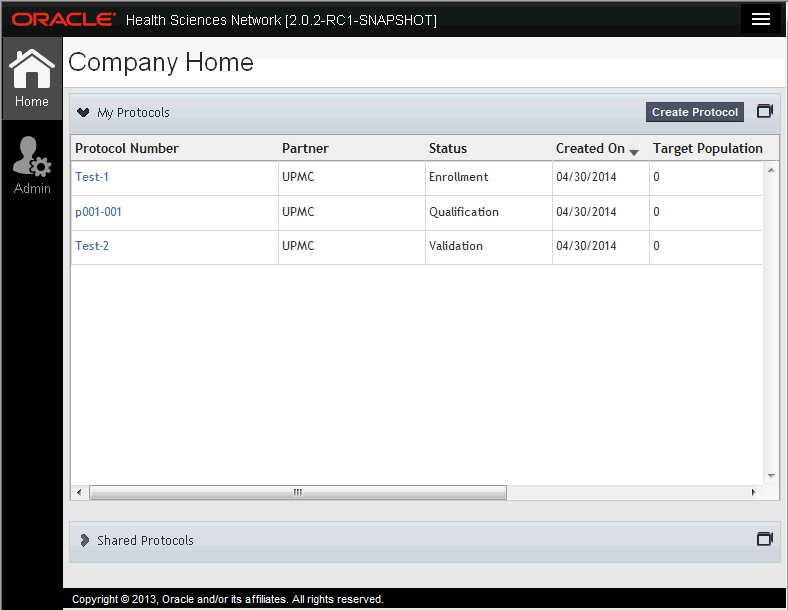
Figure 2-3 shows the default company home page of a sponsor.
It contains the following elements:
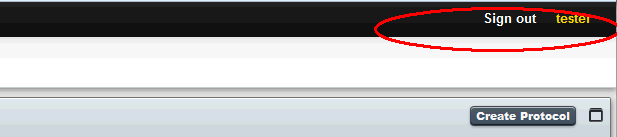
Header - Includes features to sign out.
Navigation Bar includes the following features:
Home - navigates to company home page and displays a list of protocols. This is the default home page when you log into HSN.
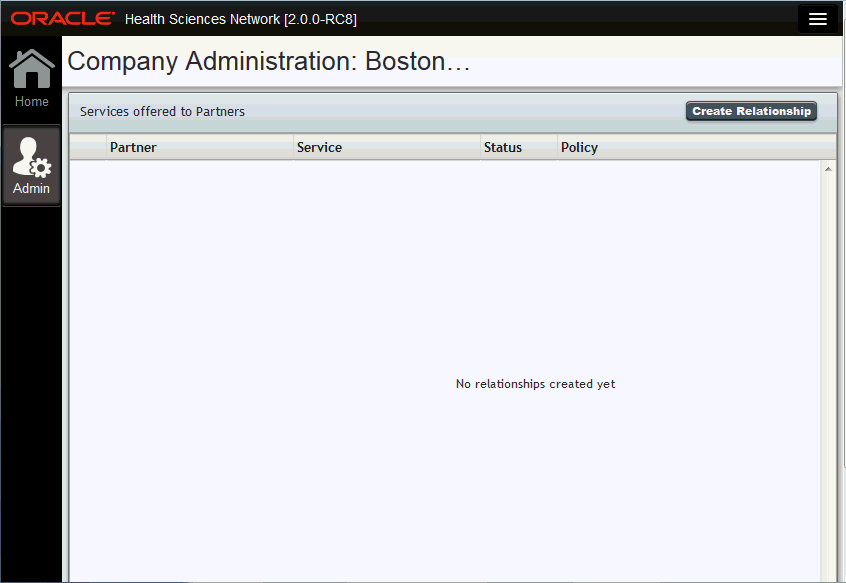
Admin - navigates to administrator home page. For more details, see the Oracle® Health Sciences Network Administrator's Guide.
Following is the default company home page:
It comprises of the following panels:
Note:
Based on your user permissions, the system provides an organization-specific view, displaying the available information and functions that are appropriate only for your organization.My Protocols- displays all protocols owned by sponsor where the user is member of team. Provides key information about a particular protocol, including name, status, date it was created and recruitment status. Clicking a protocol number displays its details.
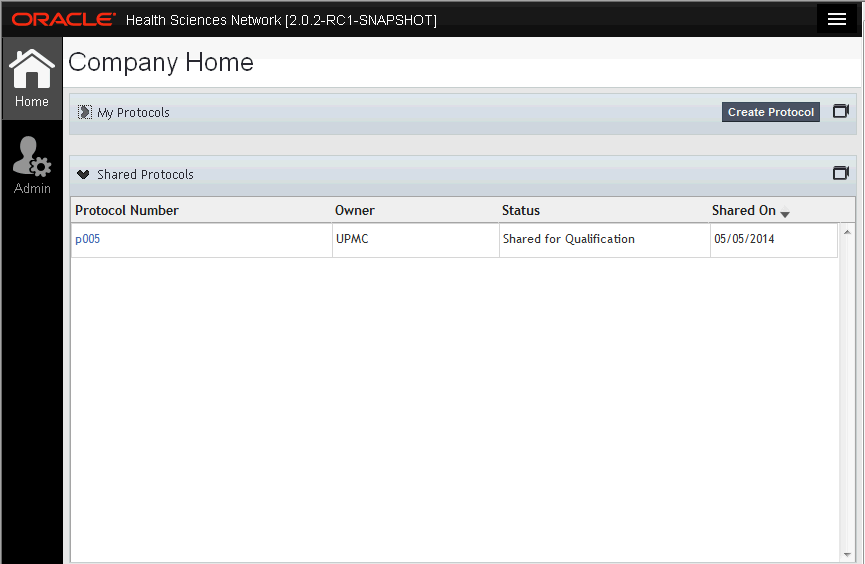
Figure 2-7 shows the home page of a provider.
It comprises of the following:
Shared Protocols - List of protocols shared by sponsor companies for recruiting. Displays protocol number and owner (that is, the sponsor), status, and the date it was shared on.
|
 Copyright © 2013, 2015, Oracle and/or its affiliates. All rights reserved. Legal Notices |
|