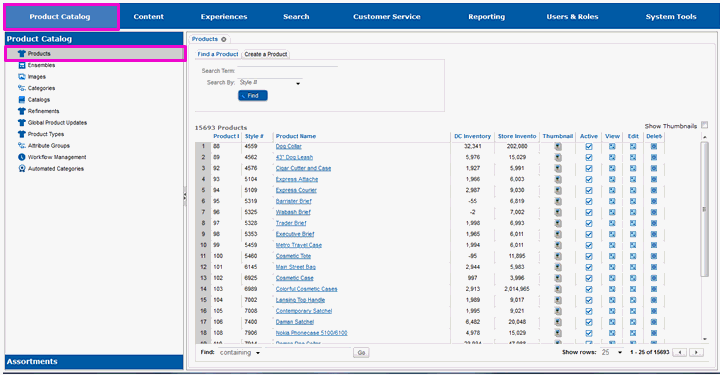
Dynamic attributes are assigned to products through the Product Catalog portion of the Site Manager.
Select Product Catalog.
Select Products from the left-hand pane.
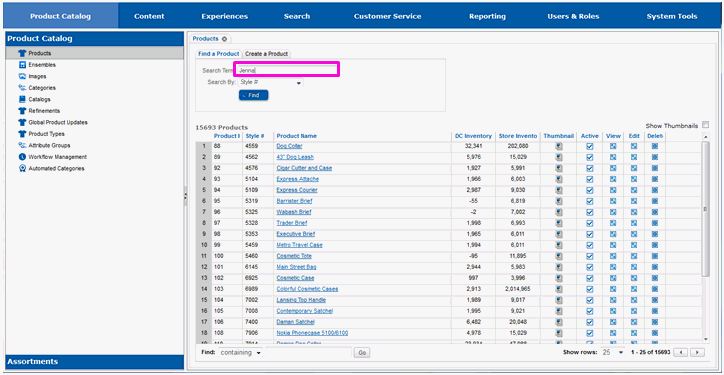
Enter a search term for the product you are looking for in the Search Term entry field.
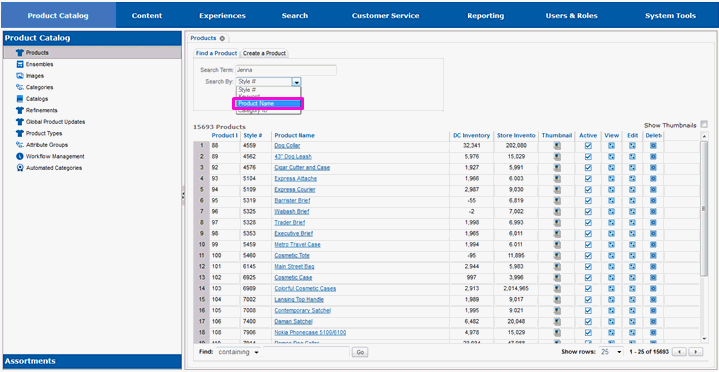
Use the Search By drop-down list box to select the type of search to perform.
Select the Find button.
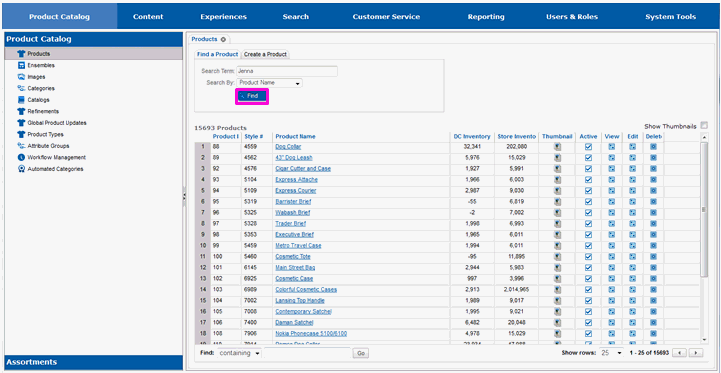
The screen will refresh and you will see a list of all of the products that matched your search term.
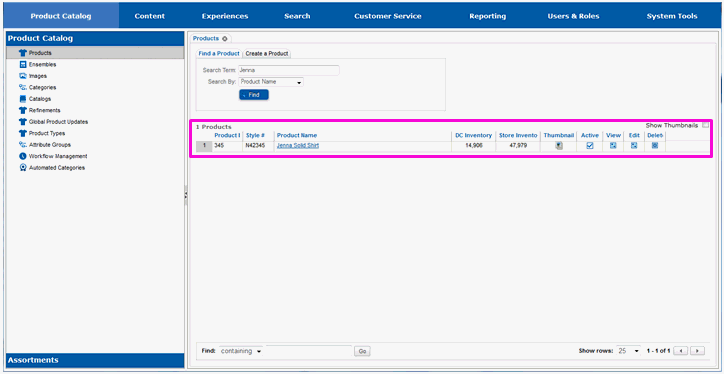
Locate the product you are going to use dynamic attributes with in the search results list.
Select either the name of the product or the Edit icon to the right of the product.
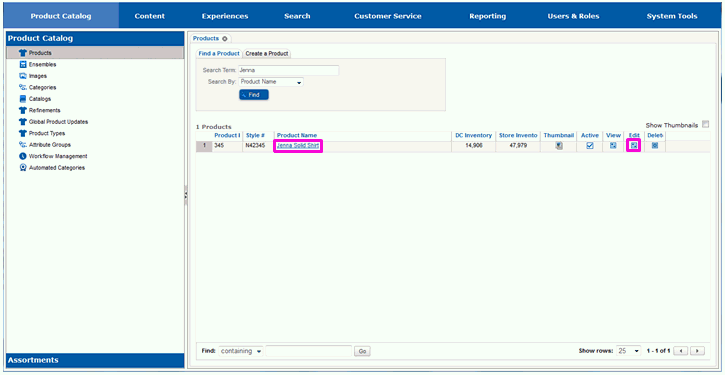
The screen will refresh and you will see multiple sub-tabs on the page.
Continue on to section Assigning Dynamic Attributes to set values for the product.
Determining the Attribute Group
Adding a Dynamic Atttribute to An Attribute Group