Creating Driver Selections
To associate drivers:
-
In an open model, from
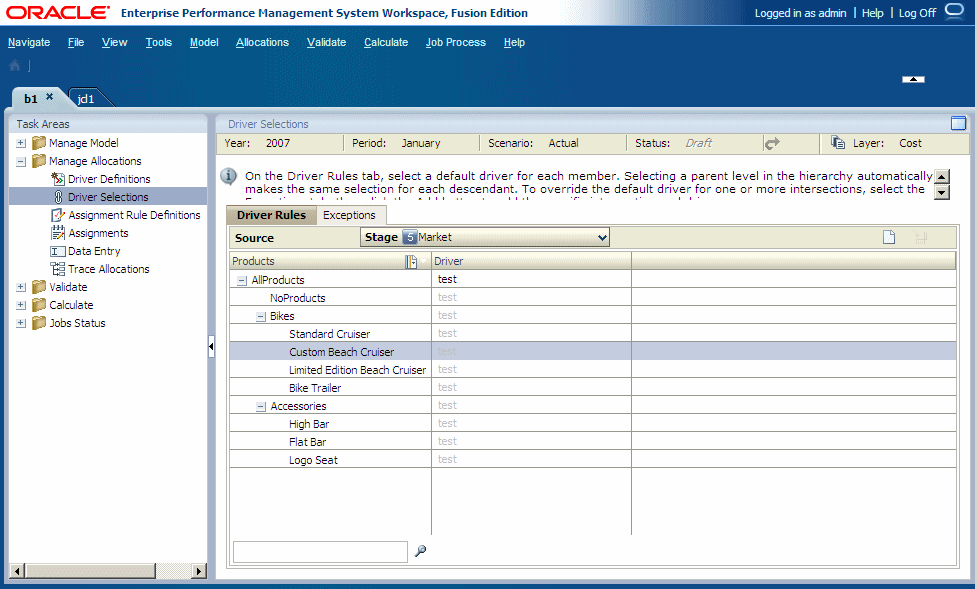
Task Areas, select Manage Allocations, then Driver Selections.The Driver Selections screen is displayed.
-
Select a POV, and then click
Go
 .
.
-
Under
Driver, click the cell to display the selector icon
 , or click
Add
, or click
Add
 to select a driver for the parent dimension from the Common Selector, and then click
OK. See
Using the Common Member Selector.
to select a driver for the parent dimension from the Common Selector, and then click
OK. See
Using the Common Member Selector.
When the driver is applied to a parent, the same driver is automatically inherited by all descendants. To show the driver is inherited, it is grayed out.