Health Check Reports
These reports can help you identify probable PMS issues.
Follow the steps for Using Health Check Analyzer Reports to check the Reports.

Using Health Check Analyzer Reports
HealthCheck Analyzer reports help you identify probable PMS issues. The following are the five reports that are currently in use:
- DB Health Check Report
- OPERA Health Check Report
- EOD Health Check Report
- OPERA Printing Analyzer Report
- OPERA Interfaces Report
View Health Check Report
Note: If the database connection has not been established, connect to the database by providing the required connection credentials when the database dialog box appears.
Follow any of the methods to view HealthCheck report.
- Using SU from home page, select the HealthCheck report you wish to look at and then click Go.
or
- Select DB Health Check menu. Under HealthCheck reports, select the Health Check Report such as DB Health Check Report, OPERA Health Check Report, EOD Health Check Report, OPERA Printing Analyzer Report or OPERA Interfaces Report you wish to look at.
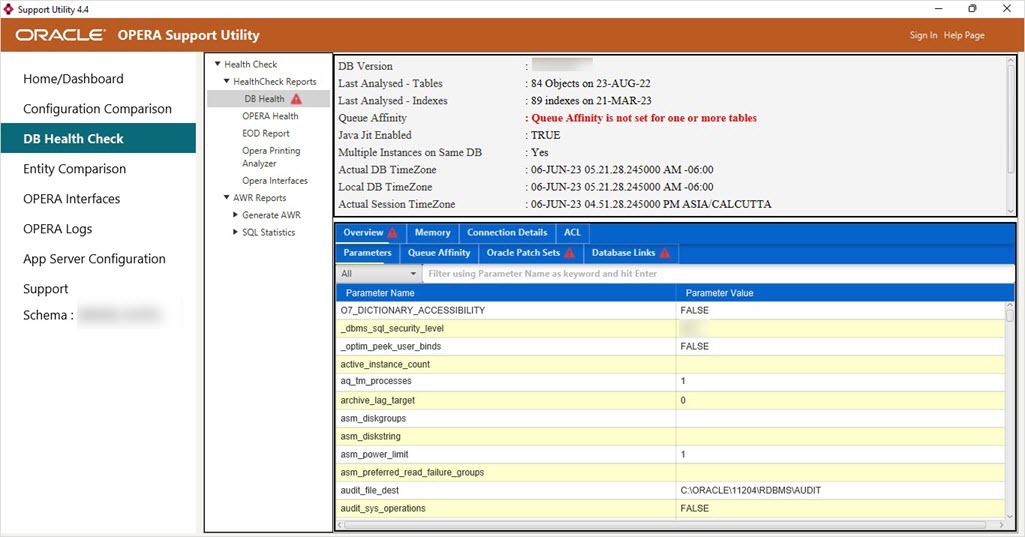
DB Health Check Report
Click the tabs to view more details specific to the DB health check report.
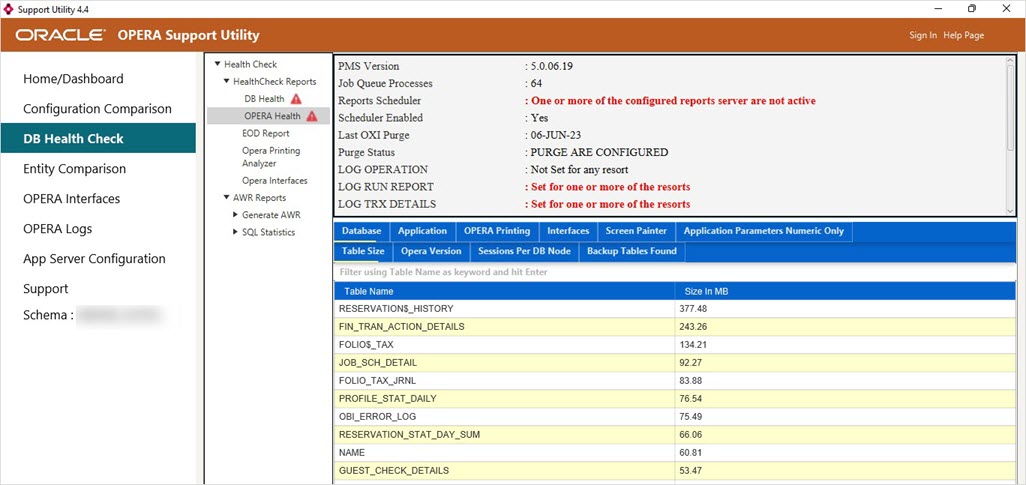
OPERA Health Check Report
Click the tabs to view more details specific to the OPERA health check report.
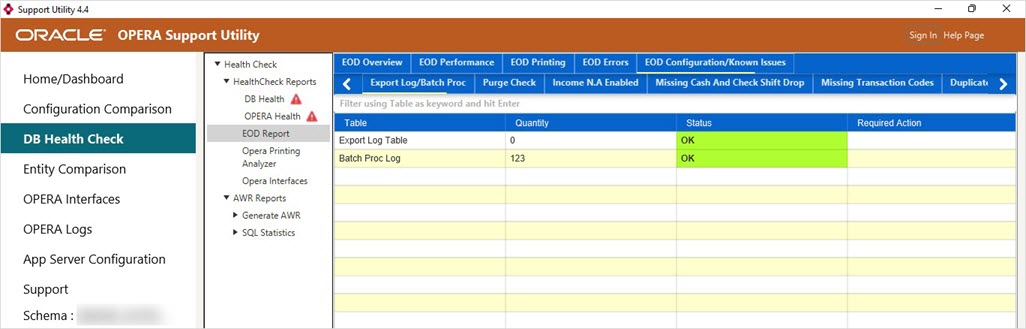
EOD Health Check Report
Click the tabs to view more details specific to the EOD health check report.
OPERA Printing Analyzer Report
Click the tabs to view more details specific to the OPERA printing analyzer report.

OPERA Interfaces
Click the tabs to view more details specific to OPERA Interfaces health check report.
- All the Health check report pages contain set of tables relevant to the specific report.
- When undesirable data is found in a table, a warning icon appears next to the table name. Hover your mouse over the warning icon to learn why the data is inappropriate.
- Queries run in a sequential order. Wait for some time to obtain the entire set of tables.
- In some of the tables, the unwanted row is highlighted in red.


