To search and locate values of a threshold setting with only partial information, you can use the Search option. The Search option is available when a range of values can be specified for a filter. For example, use the search option for the Planned Duration filter to select a lower limit value between 75 and 125.
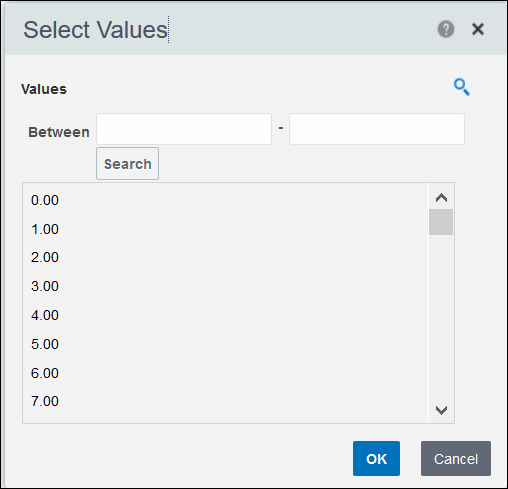
To search for a value in the Filters pane:
- From a filter's list of values, select Search....
For example, on the Activities Delay Detail page, select Search... from the Planned Duration Between list filter.
- In the Select Values dialog box:
- Select Search to lookup threshold setting values .
- From the Values list, select a value, and then select the OK button.
Otherwise, select the Cancel button to exit the dialog box without selecting a threshold setting value.
- In the Filters pane, select the Apply button to display projects that meet the criteria of specified threshold settings values.