What's New - CIC Analytics 22.12
December 2022
Previous Releases: 22.11, 22.10, 22.9
Data Sources
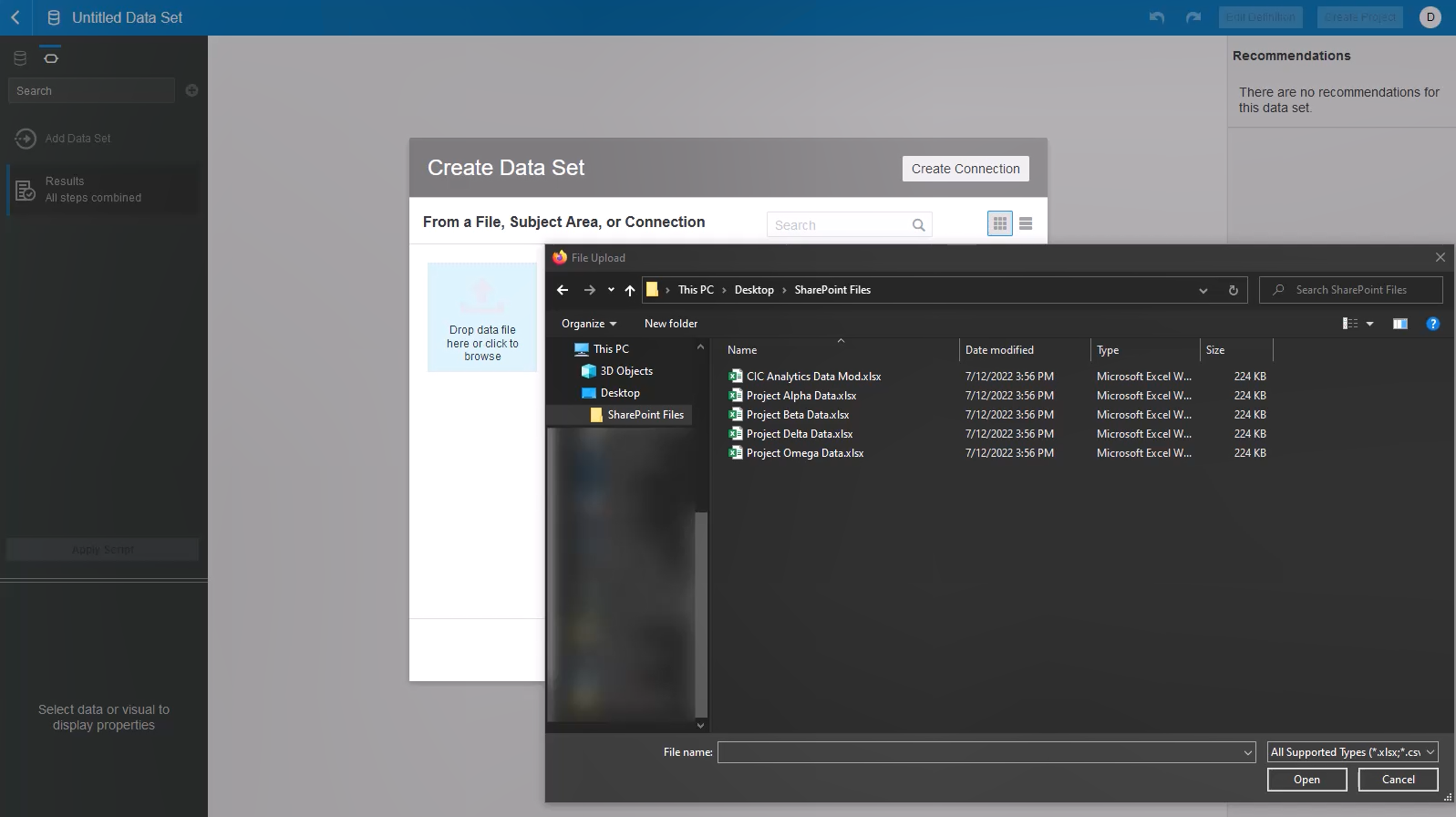
Use Sharepoint to Upload Files as a Data Set
Use SharePoint local folders as a location when selecting a file from your computer to use as a dataset.
Visualizations and Data Actions
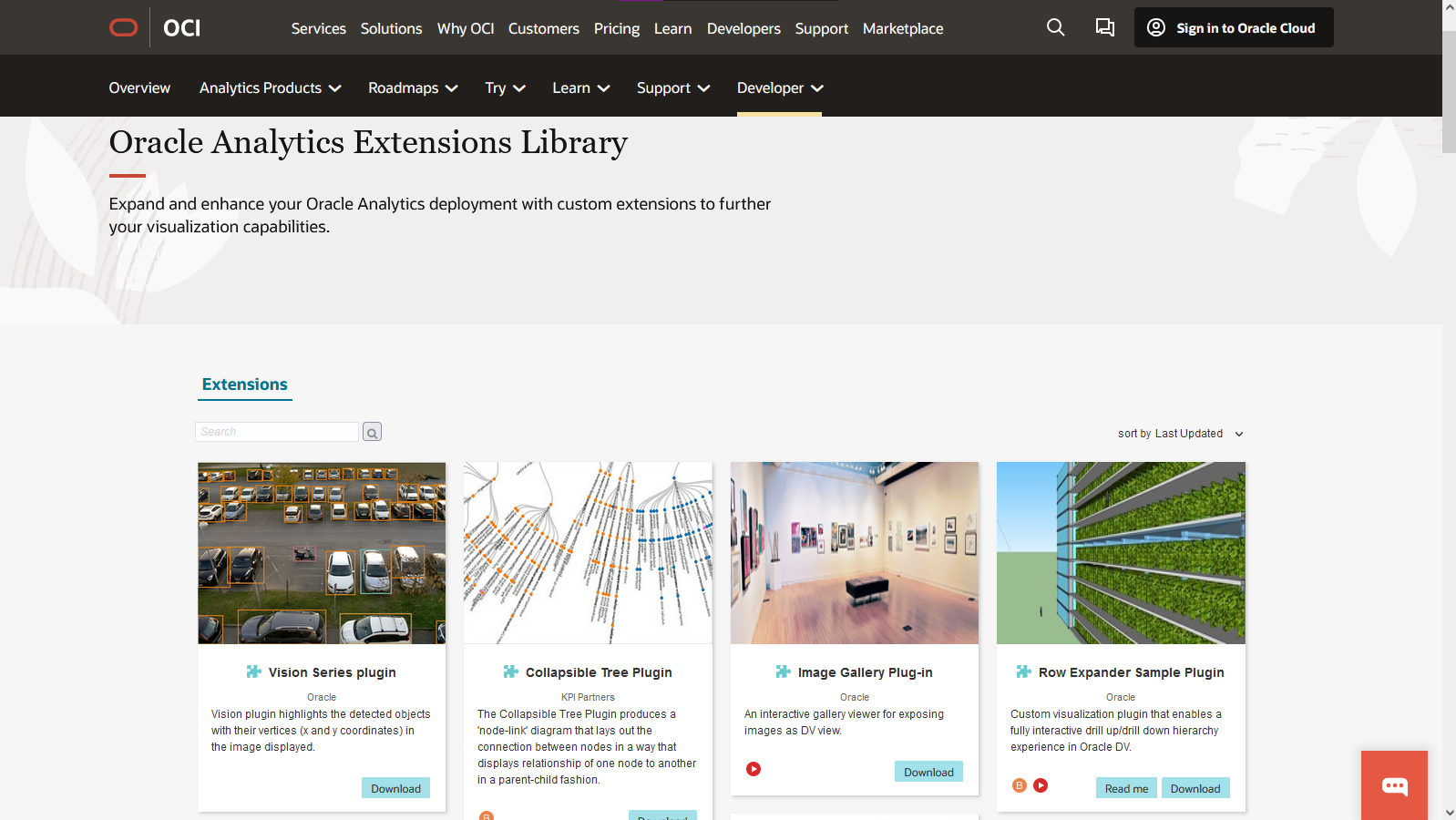
Support for Custom Plug-Ins and Extensions
Plug-ins are custom visualization types or custom data actions that you create externally and then import into Analytics.
Click here to view a library of custom plug-ins/extensions available for use.
Administration Application
User Management Search is No Longer Case-Sensitive
Search terms are now no longer case-sensitive. For example, searching for User will now return the same results as searching for user.
November 2022What's New - CIC Analytics 22.11
Support
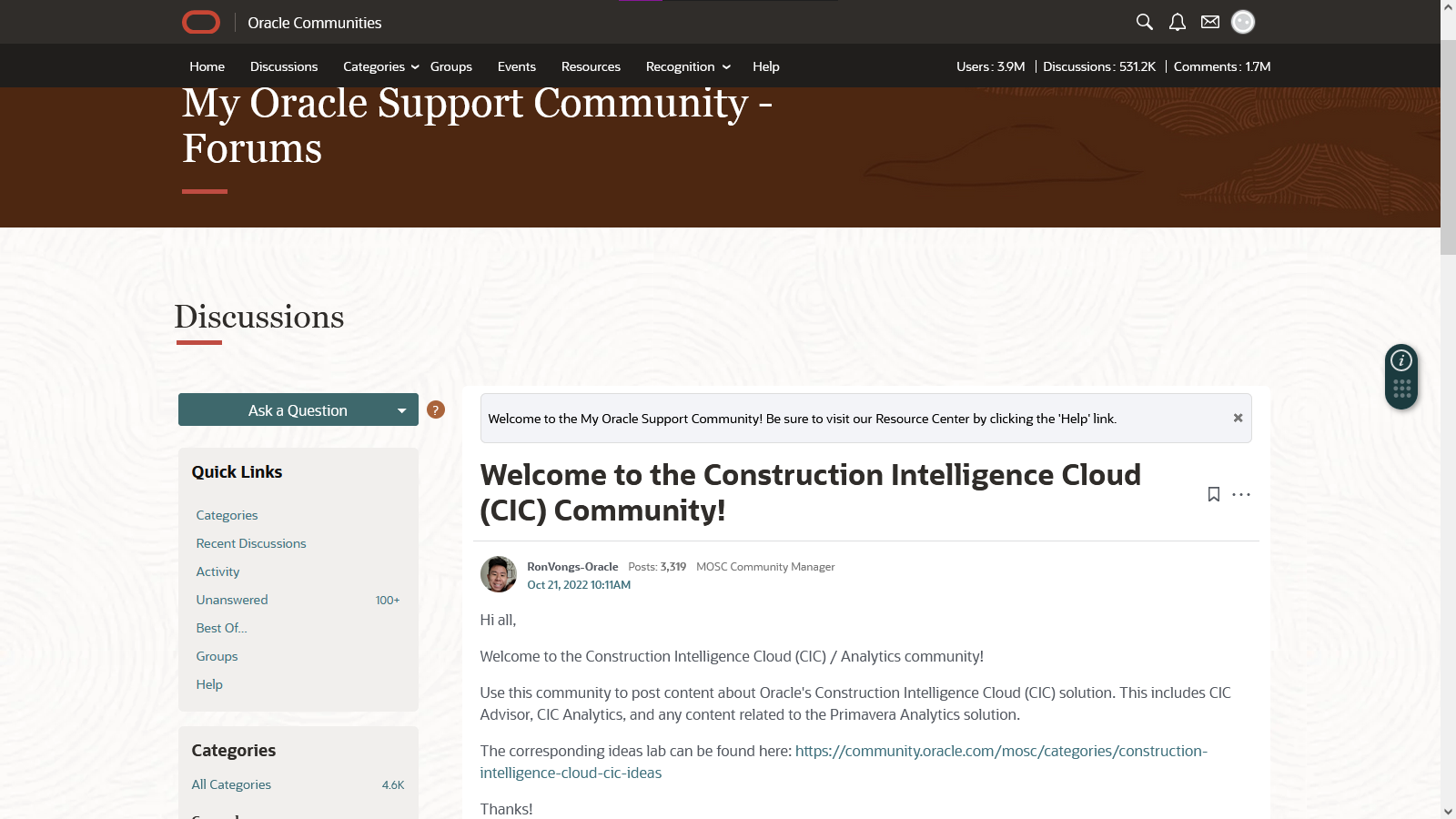
CIC Community for Support, Feedback
A new support community has been created that is specifically for CIC . Please visit https://community.oracle.com/mosc/categories/construction-intelligence-cloud-cic to leave feedback and ask questions.
To make suggestions about new features, visit the CIC Ideas Lab: https://community.oracle.com/mosc/categories/construction-intelligence-cloud-cic-ideas
Data Sources
Use Google Drive and One Drive to Upload Files
When selecting a file from your computer you can now use Google Drive and One Drive local folders as a location.
For detailed instructions on how to setup either Cloud Storage service. please visit:
https://docs.oracle.com/cd/F49731_01/English/user/dv_user/87588.htm
Data Actions
Create a Link to Source Applications with Data Actions
Creators can use Data Actions to create a direct link to a source application – eliminating the need to log in each time data needs to research or updated.
Analytics Administration Application
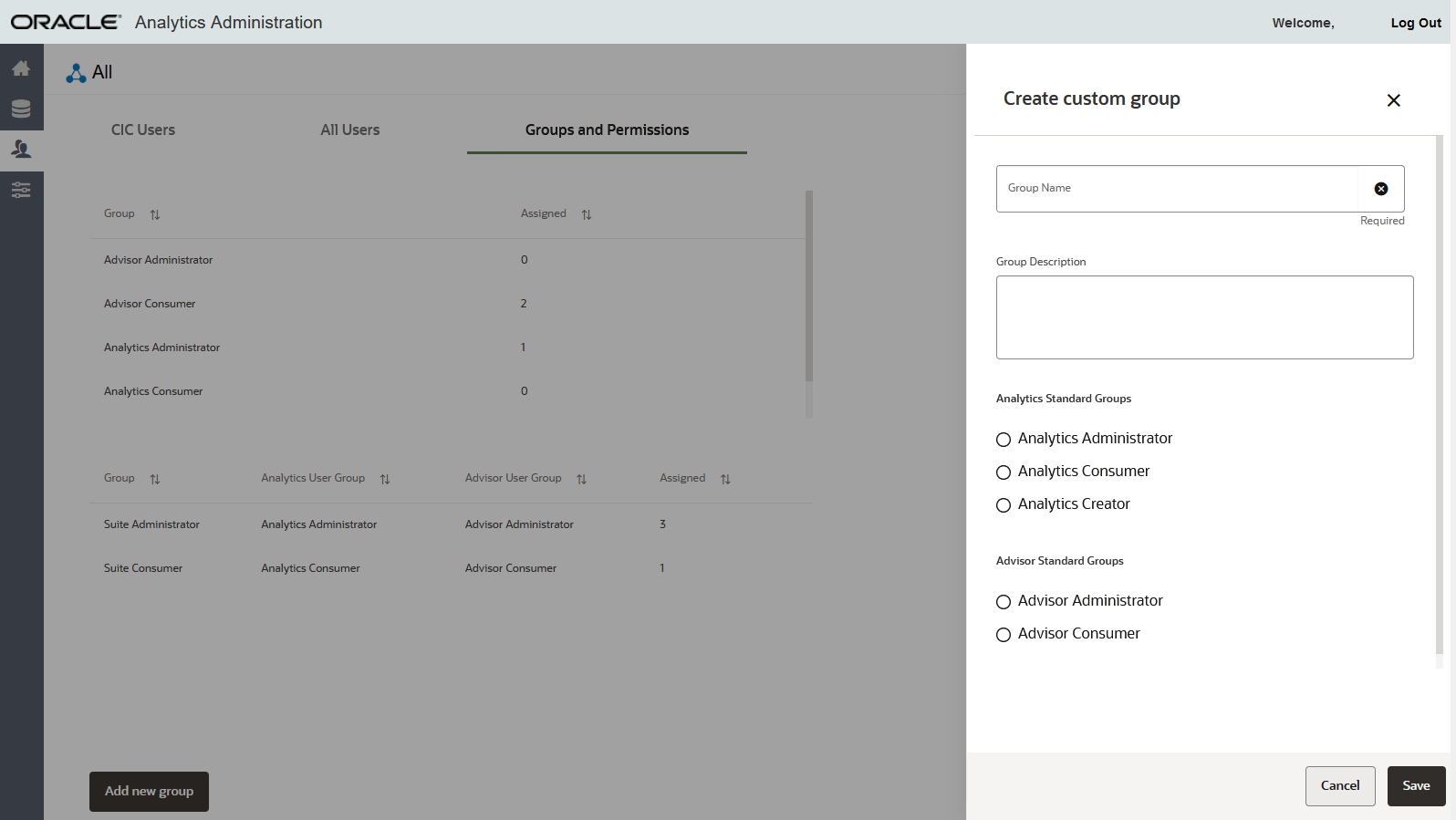
Create Custom Groups
In the Administration Application, you can create a custom user group if your organization has both the Analytics and Advisor application.
For detailed instructions on how to do so please visit: https://docs.oracle.com/cd/F49731_01/English/admin/admin_cloud_guide/87307.htm
Administration Application
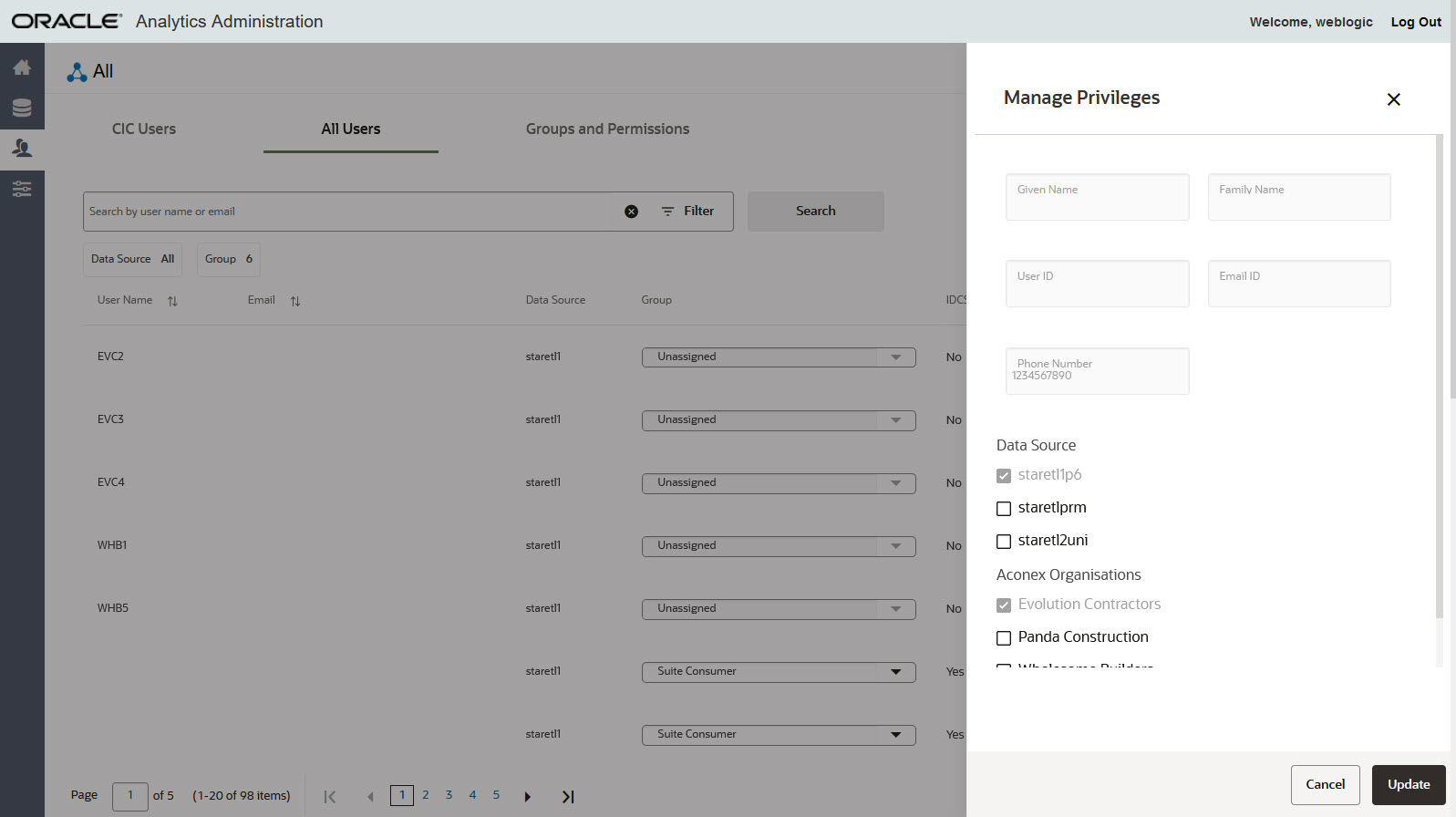
Add Data Sources to Existing Users
Users can now have additional data sources added to their accounts after creation.
Filter Update
CIC Only Users can now be filtered for on the User Management Page.
October 2022What's New - CIC Analytics 22.10
Administration Application
New Role Available
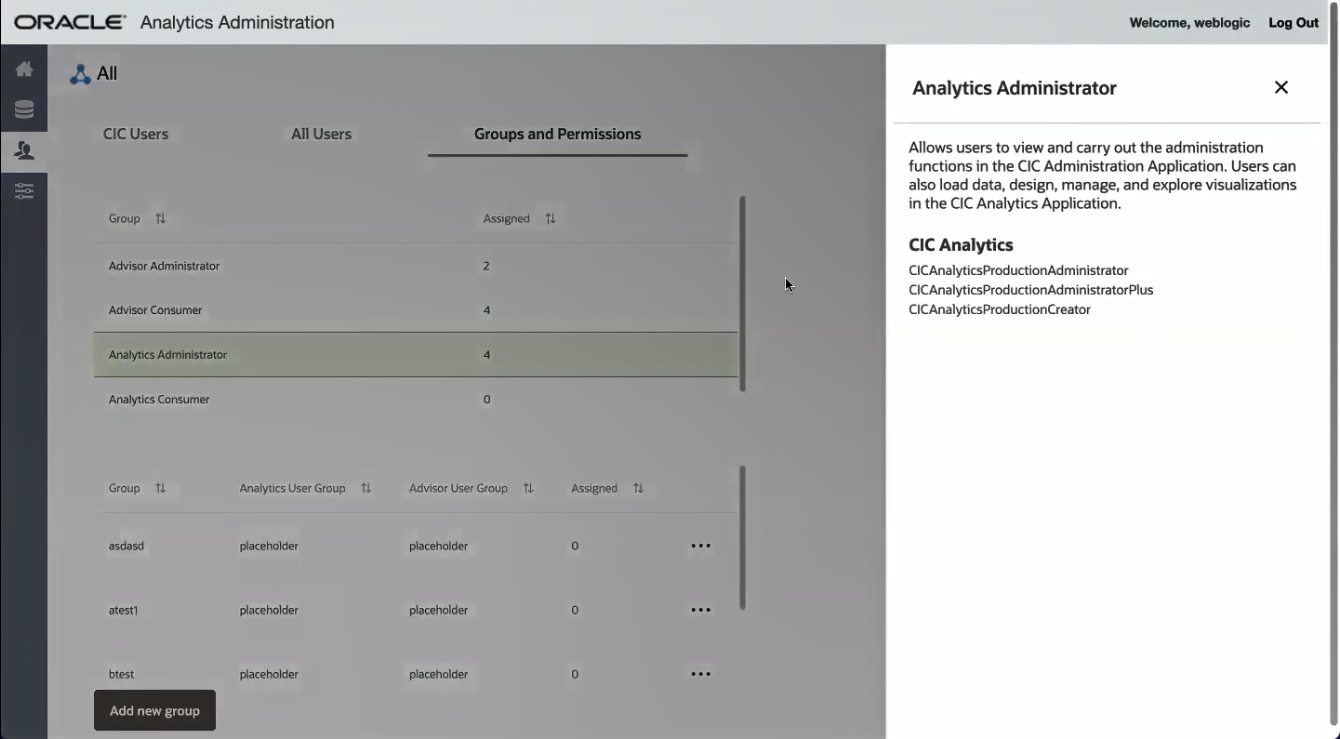
There is a new IDCS role called CICAnalyticsProductionAdministratorPlus that has been added to the Analytics Administrator Group. This role gives the user administrative privileges for CIC Analytics.
Role Sync Updated
All roles assigned to a user will now auto sync between the Cloud Admin App and the CIC Admin App.
What's New - CIC Analytics 22.9
September 2022
Dashboards
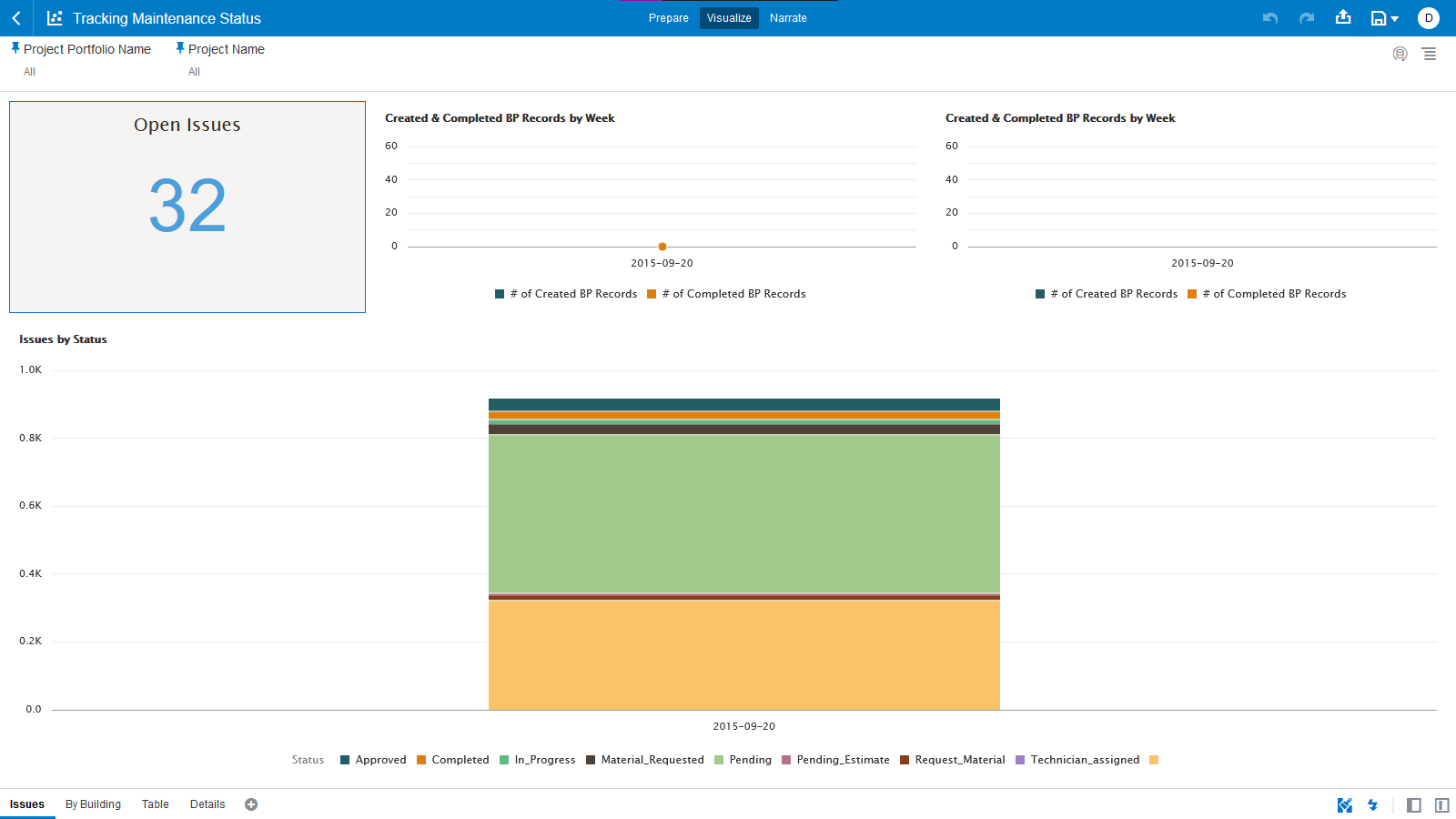
New Dashboard to Track Work Orders
New dashboard allows maintenance supervisors / executives to track performance on work orders. The dashboard shows how many work orders are being created and completed on a weekly basis.
Updates to Integrated Schedule Delivery KPI Dashboard
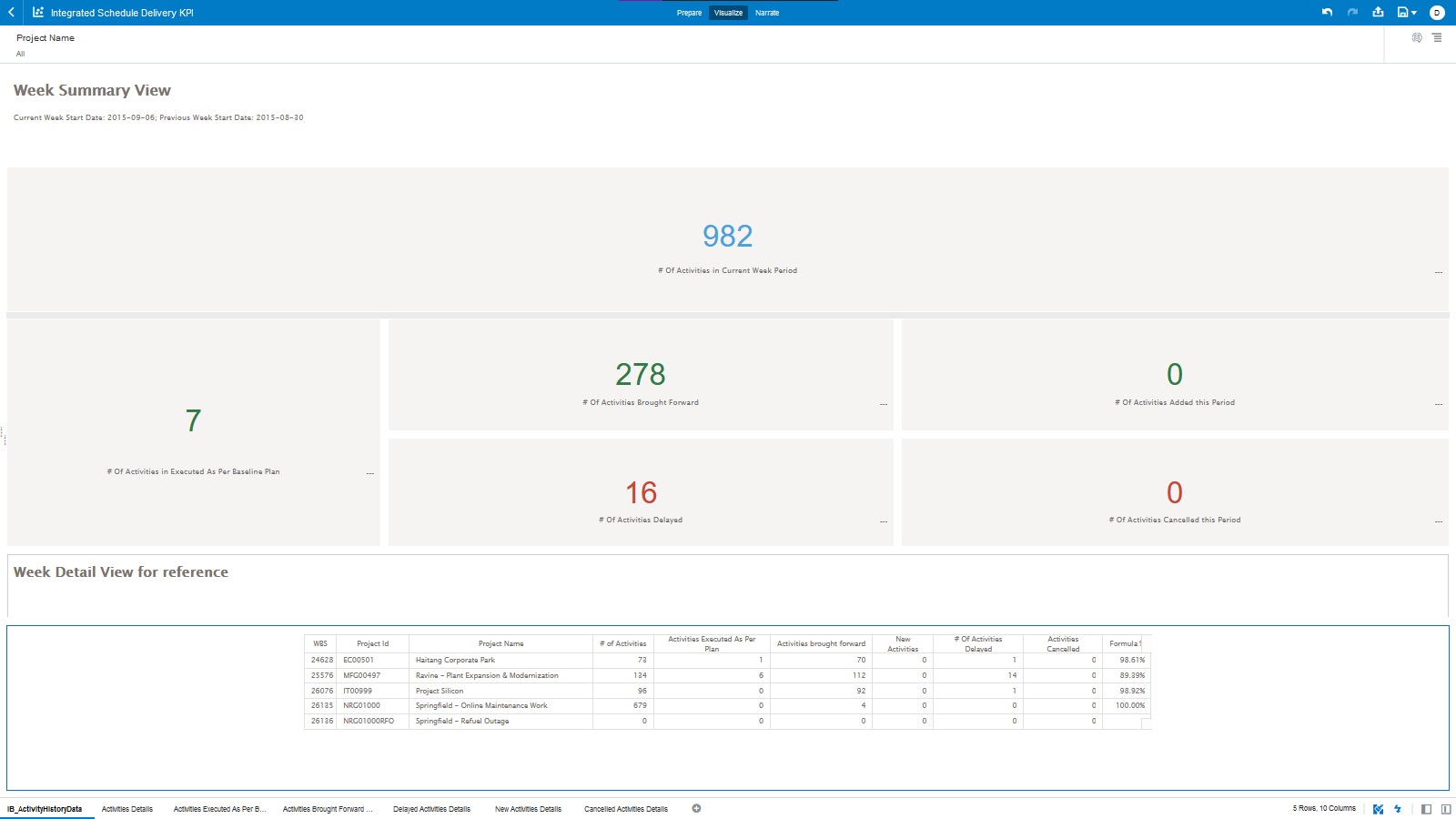
The Integrated Schedule Delivery KPI has been enhanced in this release:
- Week Detail View text is no longer truncated. ((be cut off)).
- Data sources in the table have been updated to pull from a different source.
- The table can now be used as a filter.
- Additional canvases have been created for each category of the table to display additional details.
Administration Application
New Visibility into Groups
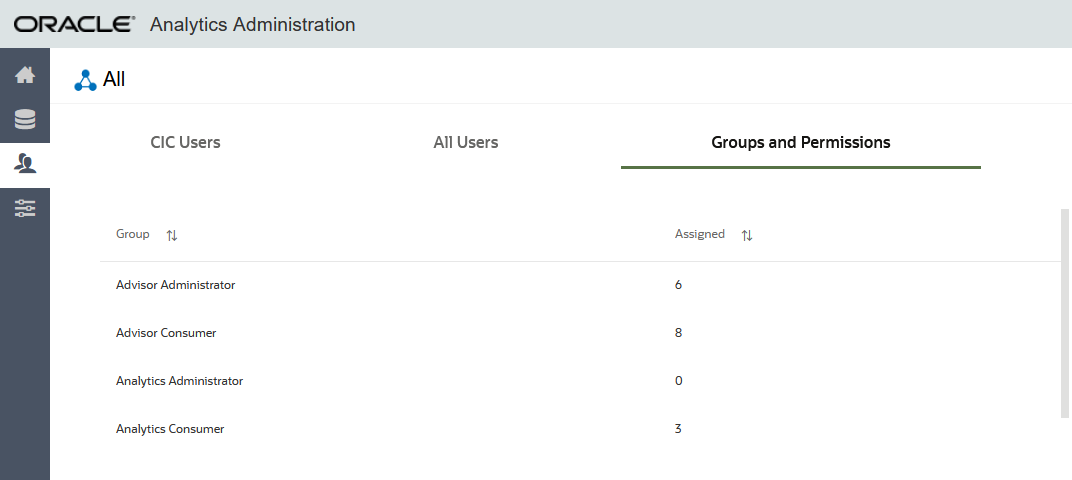
The number of people that are in custom and standard groups is now displayed in the Assigned column on the Groups and Permissions tab in User Management.
Notification Enhancements
When a user is reassigned to a custom group or a standard group a notification will be sent. There may be a slight delay before the change will be reflected in the CIC Applications.
Delete Custom Groups
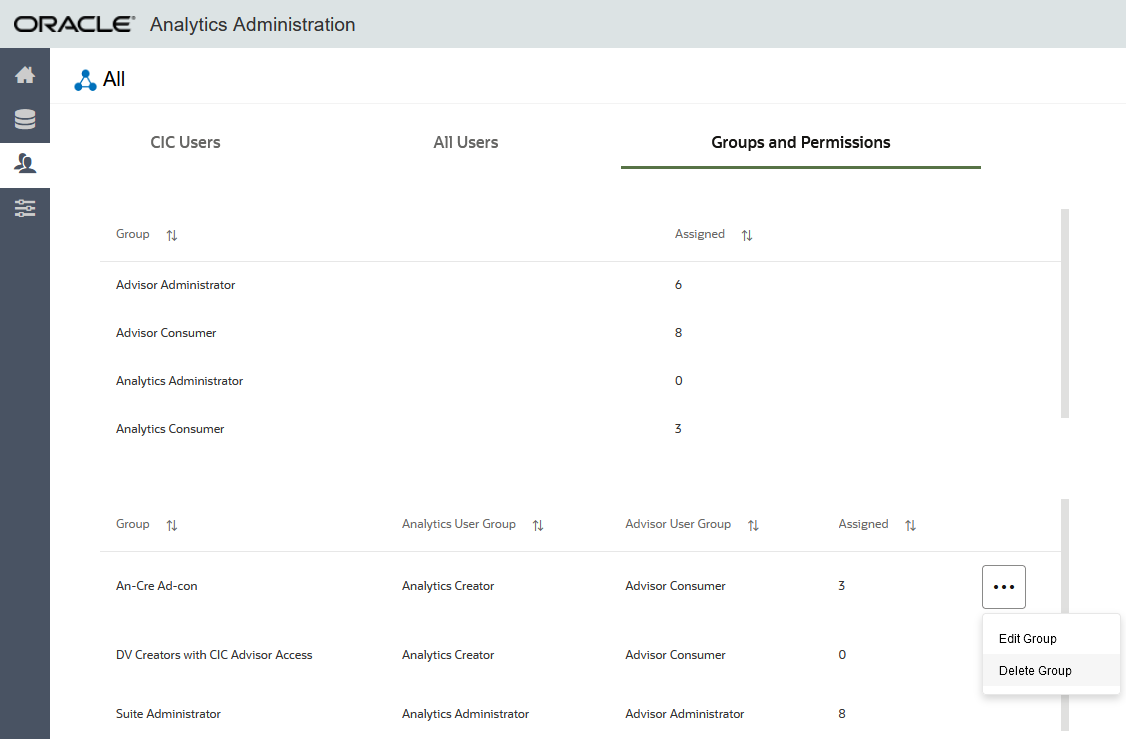
Administrators can now delete custom groups on the Groups and Permissions tab in User Management.
Last Published Friday, December 9, 2022