5 Upgrade

The upgrade from DSA with U-SBR to DSA with UDR DSR Release is not supported, The upgrade from DSA with UDR to DSA with UDR DSR Release is supported.

Perform the following procedure to migrate the configuration data.

  1. Export the SOAM configuration data on the previous release setup.
    1. Log in to the SOAM GUI.
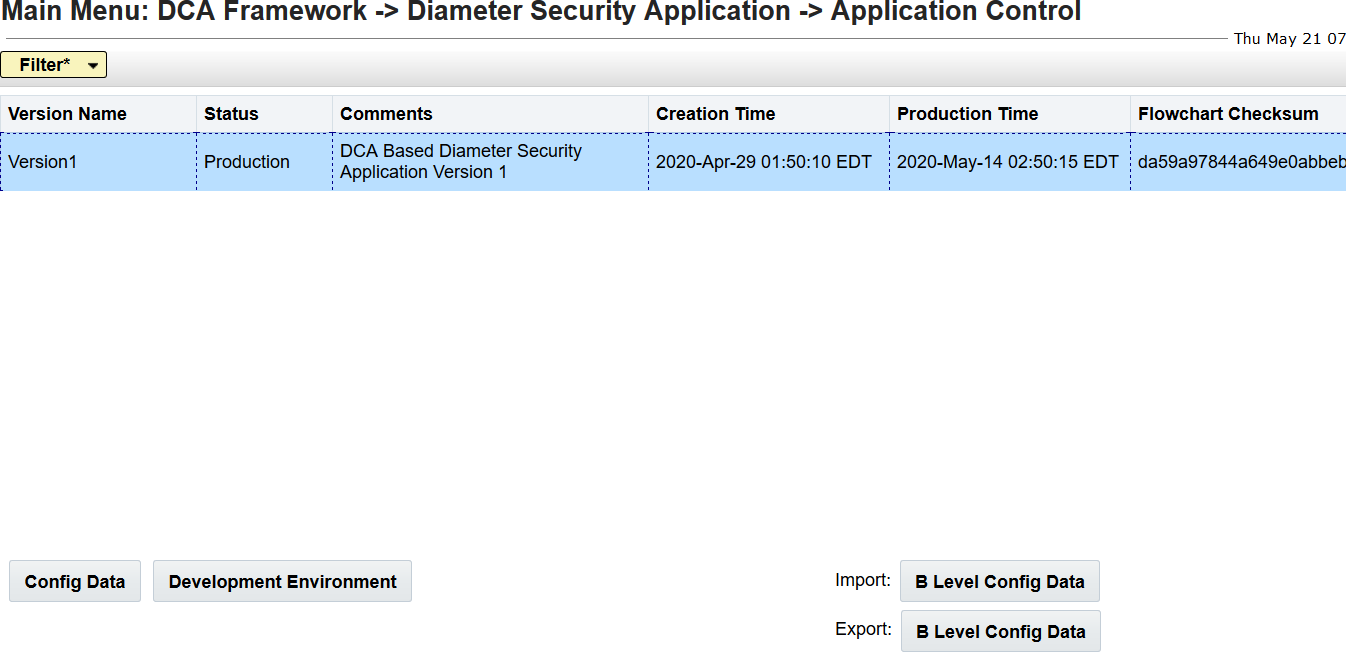
    2. Export the B Level configuration data.
    3. Export the SOAM configuration data.
  2. Click the B level configuration data and save it on the local system.

    Figure 5-1 DSA SOAM Level Configuration Export
    configuration data
  3. To import the configuration data to a new release setup, the system should fresh install on a new release.
  4. To import the SOAM configuration data, click B Level Config Data, select the "file", and then click Import.