Manage Budgetary Control in Budget Dashboard
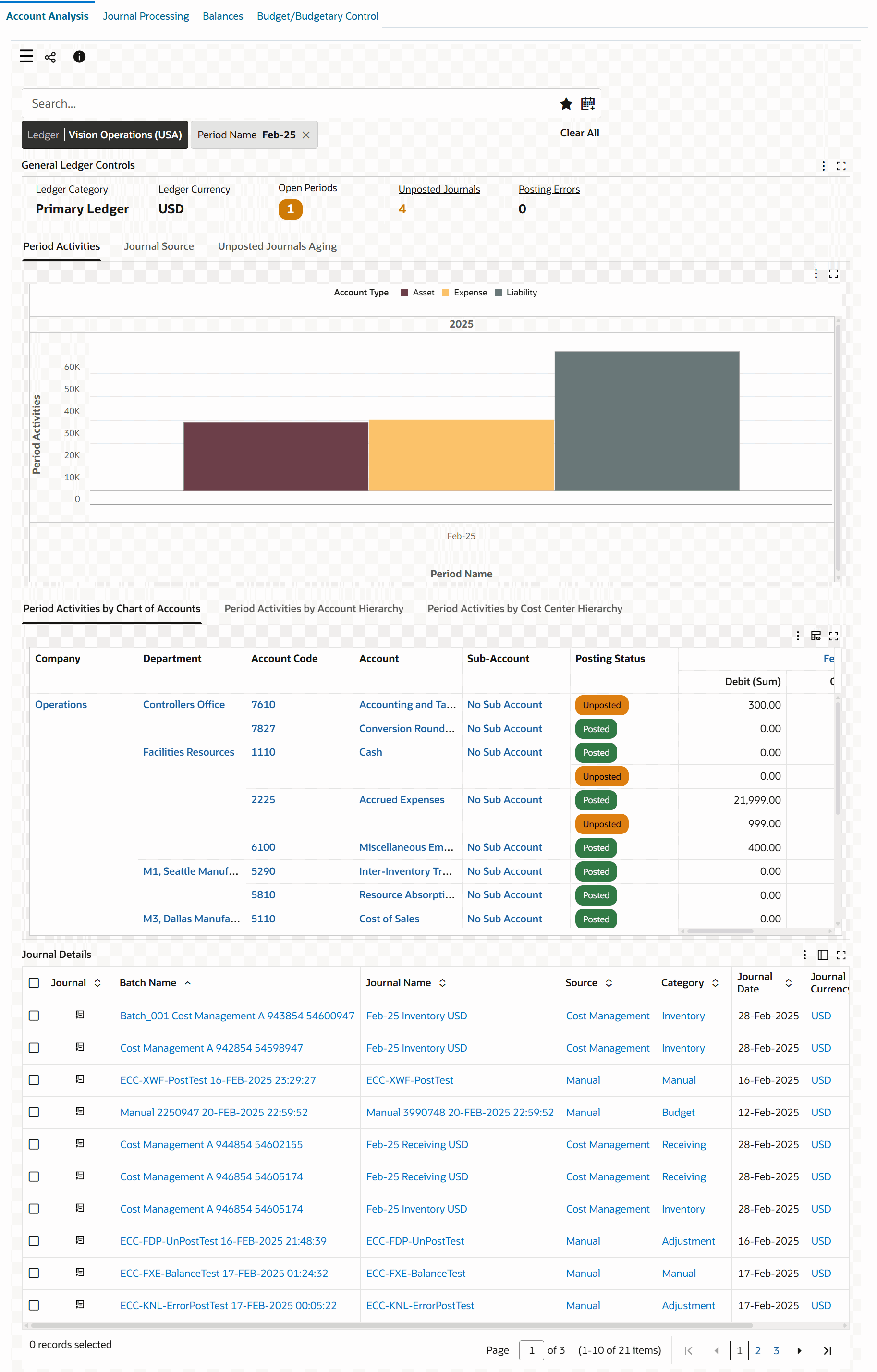
Finance teams can now gain visibility into available funds, accounting for budgets, actuals, and encumbrances across multiple modules (GL, Procurement, Payables, Projects, Grants, Contracts), and STAT currency balances for non-monetary budgeting using the updated Budget/Budgetary Control Dashboard. The dashboard provides finance teams with a centralized platform to manage the entire lifecycle of organizational spending. This includes budget allocation, tracking actual expenditures and commitments, and monitoring available funds. By consolidating budget, actual, and encumbrance data from various sources, the dashboard provides comprehensive visibility and enables proactive financial management.
Budget/Budgetary Control Dashboard
Business Benefits
-
Monitor Budgets: Understand how funds are planned, consumed, and remaining across accounts and projects. This data enables you to confirm the budget allocated to a specific account or project, track actual expenditures as they occur, and understand which funds remain unreserved and are available for future commitments or encumbrances. This insight helps proactively identify accounts at risk of insufficient funding and supports timely corrective actions. Visual indicators flag when available balances are nearing zero or turning negative, improving financial governance, preventing overspend, and strengthening forecasting and decision making.
-
Inclusion of STAT (statistical) Currency Balances: Extends budgeting beyond monetary amounts by enabling organizations to plan and track key non-financial drivers, such as headcount, FTEs, and project or service units alongside traditional functional-currency budgets. By allowing users to filter or toggle between functional currency and STAT balances, finance and operational leaders can quickly connect resource capacity to spend, improve forecasting accuracy, strengthen accountability for volume-based targets, and make faster, better-informed trade-offs when demand or staffing assumptions change.
-
Insight into Budget Utilization: Provides actionable insight into how budgets are utilized across the organization by enabling review of funds consumed by Chart of Account (COA) segments, accounts, and cost centers. This information helps identify the most utilized and underutilized budgets to support more effective financial management, targeted reallocations, and improved governance. By assessing spending patterns over a period, fiscal quarter, or fiscal year, finance leaders can strengthen forecasting, optimize resource allocation, and make timely, data-driven decisions.
-
Variance Analysis: Variance analysis with a control dimension improves financial governance by presenting budget, encumbrances, and actuals side-by-side, enabling faster identification of gaps between planned, committed, and realized spend. By supporting variance analysis across multiple levels: company, department, project, or natural account, the dashboard helps stakeholders pinpoint where performance is deviating and who owns the outcome. The dashboard highlights situations where encumbrances materially exceed actual utilization over reserving early, allowing teams to release excess commitments and reallocate funds to higher-priority needs. This reduces the risk of artificial budget constraints and improves forecast accuracy and spending discipline.
-
Encumbrance Lifecycle Analysis: Encumbrance lifecycle analysis provides end-to-end visibility into how reserved funds progress from Commitment to Obligation to Invoice and ultimately to liquidation or actuals, helping teams understand when and where budgets are being consumed. By identifying and flagging stale or aging encumbrances for review, the dashboard supports timely cleanup, reduces unnecessary reservation of funds, improves budget availability accuracy, and strengthens financial control across the procure-to-pay process.
-
Encumbrance Tracking Across Modules: Enables finance and procurement teams to analyze total encumbrance by type or stage (for example, Commitment, Obligation, Invoice, Prepayment, Project Commitment, Grant Reservation) to see how reserved funds accumulate across the procure-to-pay lifecycle. This data helps pinpoint which stages drive the largest portion of reserved budget, distinguish procurement-driven encumbrances from invoice-related impacts, and improve budget control, forecasting accuracy, and proactive management of spend and cash flow.
-
Audit and Compliance: The drill through from summarized budget and financial results to source transactions (purchase orders, invoices, projects, grants, and contracts) gives finance teams clear traceability and supports a transparent audit trail for budget checks and encumbrance balances.
Steps to enable and configure
You don't need to do anything to enable this feature.
Tips and considerations
Data Security
-
Data available in the dashboard is subject to the same data security approach as core E-Business applications.
-
Data access is controlled based on the GL Data Access Set for the specific responsibility.
-
The data access set is assigned to the "GL: Data Access Set" profile option.
-
-
Drill down to subledger transaction details rely on the MOAC security in EBS through the following profile options to ensure users view only authorized transactions.
-
MO: Security Profile: for multi-operating units access
-
MO: Operating Unit: for single operating unit access
-
Data Load
-
Run the full load using the General Ledger Command Center data load concurrent program to load the entire dataset and its metadata.
- Incremental load fetches and updates the new, changed, or deleted records since the last successful load.
Key resources
Access requirements
You do not need any new role or privilege access to use this feature.