View Work Order Dates in Work Order Dashboard
Oracle Project Manufacturing Command Center's Work Orders dashboard is now enhanced to provide you better visibility into additional work order dates.
In the Work Orders dashboard results table, select the Work Orders tab and then from the drop-down list, select Work Order Dates. The Work Order Dates enables you to view the following date related information for work orders:
- Scheduled Start Date
- Scheduled Completion Date
- Release Date
- Actual Completion Date
You can use the work order date details in dashboard analysis and support schedule follow-up and completion review. This feature provides date visibility that is required for schedule and completion analysis and supports the efficient review of release, completion, and execution timing.
Steps to enable and configure
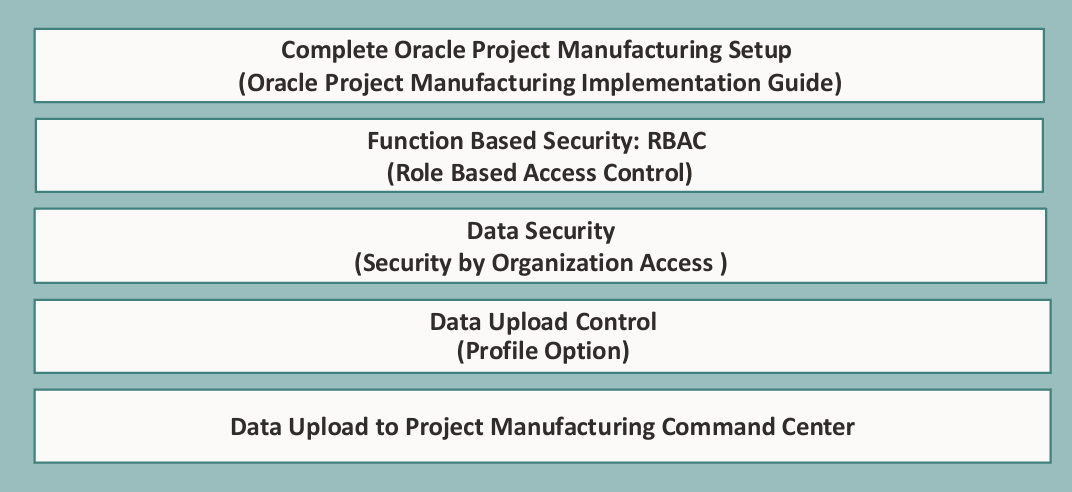
Ensure Oracle Enterprise Command Center Framework Release 12.2 V11 or later is available for this functionality and complete the setups to enable the Project Manufacturing Command Center.
Tips and considerations
- Confirm the date meanings with manufacturing users before using them as performance indicators.
- Use work order dates together with schedule and overdue exception metrics for a more complete view of execution risk.
Key resources
- Oracle Project Manufacturing User's Guide:
- Chapter: Oracle Project Manufacturing Command Center
- Topic: Work Orders Dashboard
- Chapter: Oracle Project Manufacturing Command Center
- Oracle Project Manufacturing Implementation Guide:
- Chapter: Oracle Project Manufacturing Command Center Setup