Track Missing Setup for Accrual Reconciliation Load Run
The Accrual Reconciliation Load Run program reports any missing Select Accrual Accounts setup by operating unit. When a user has not defined accrual accounts for an operating unit, the program identifies the missing setup and the name of the operating unit. This improves troubleshooting for accounts payable and purchase order accrual reconciliation by making setup gaps visible in the load run output.
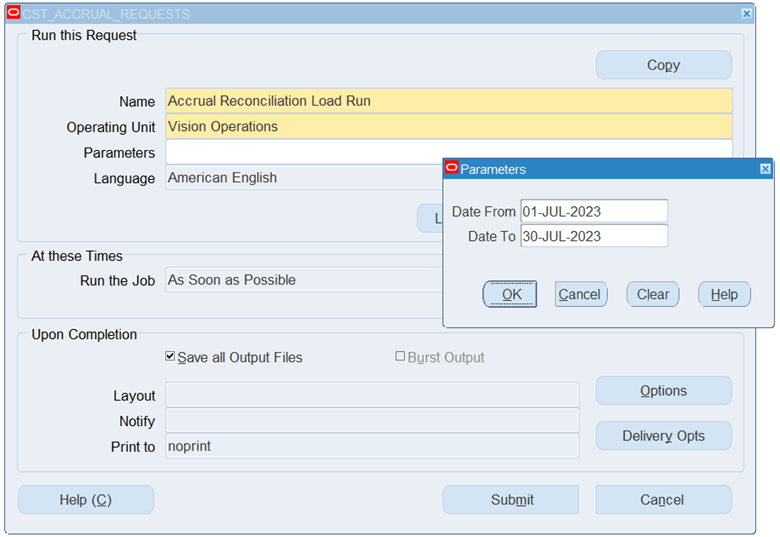
Accrual Reconciliation Load Run program
Steps to enable and configure
- Review Select Accrual Accounts setup for each operating unit that participates in AP/PO accrual reconciliation.
- Run the Accrual Reconciliation Load Run program.
- Review the request log or output for missing accrual account setup and the affected operating unit name.
- Add the missing accrual account setup and rerun the load program.
- Confirm that the AP/PO accrual reconciliation reports include the expected transactions.
Tips and considerations
- This feature is most useful in multi-operating-unit environments where missing setup can otherwise be hard to isolate.
- Correct the setup in the Select Accrual Accounts before investigating transaction-level reconciliation differences.