Exporting an Orchestration
This section shows you how to export an orchestration.
You can use the export and import functions of the JD Edwards Provisioning Console to save an existing orchestration (export) and to reuse (import) the saved orchestration.
Prerequisite
A completed Quick Start Deployment Plan or an Advanced Deployment Plan created using the JD Edwards One-Click Provisioning Console.
Exporting an Orchestration
To export an orchestration:
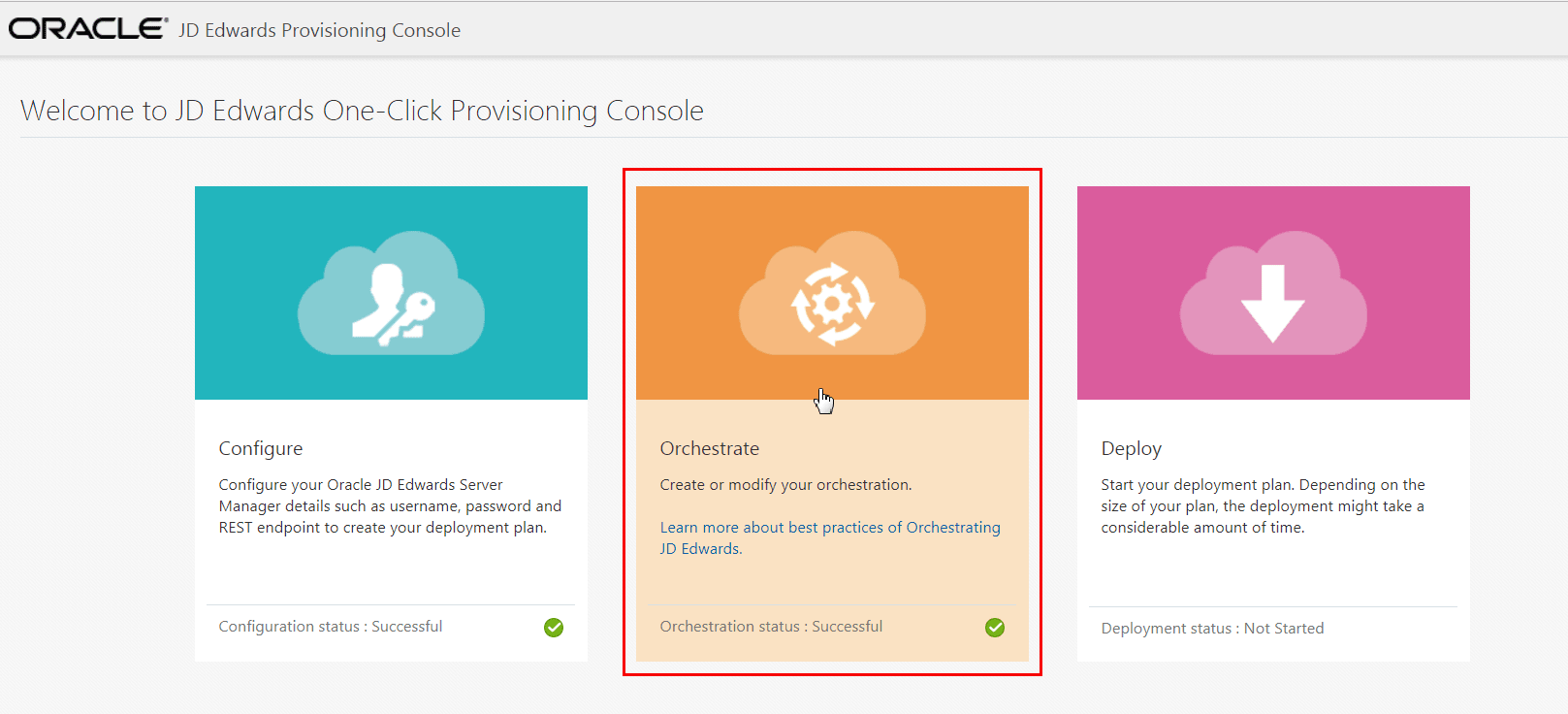
- On the JD Edwards Provisioning Console window, click the Orchestrate icon.
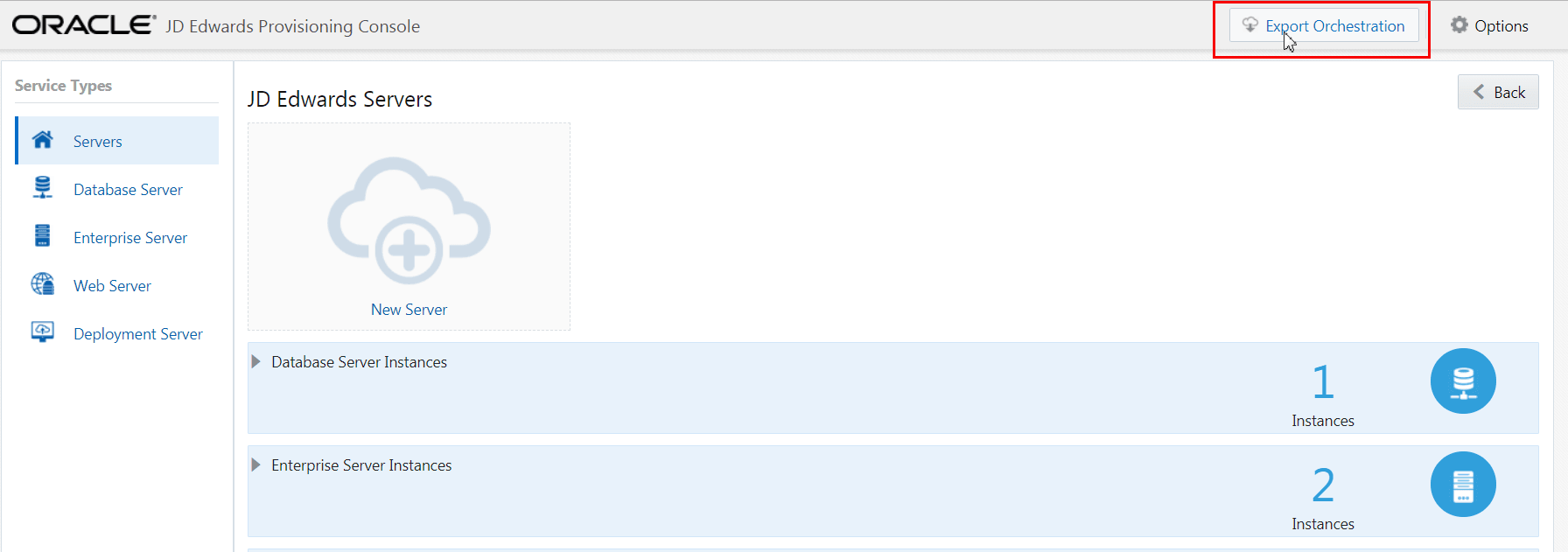
- To export an existing orchestration, on an existing orchestration, from the
title bar select Export Orchestration.
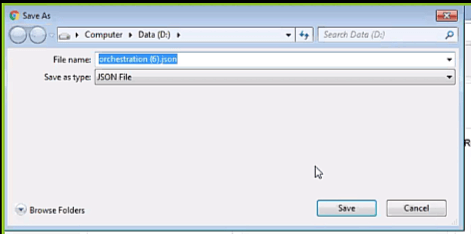
- On the Save As dialog box, choose a path and file name for the exported
orchestration.
- Click the Save button.
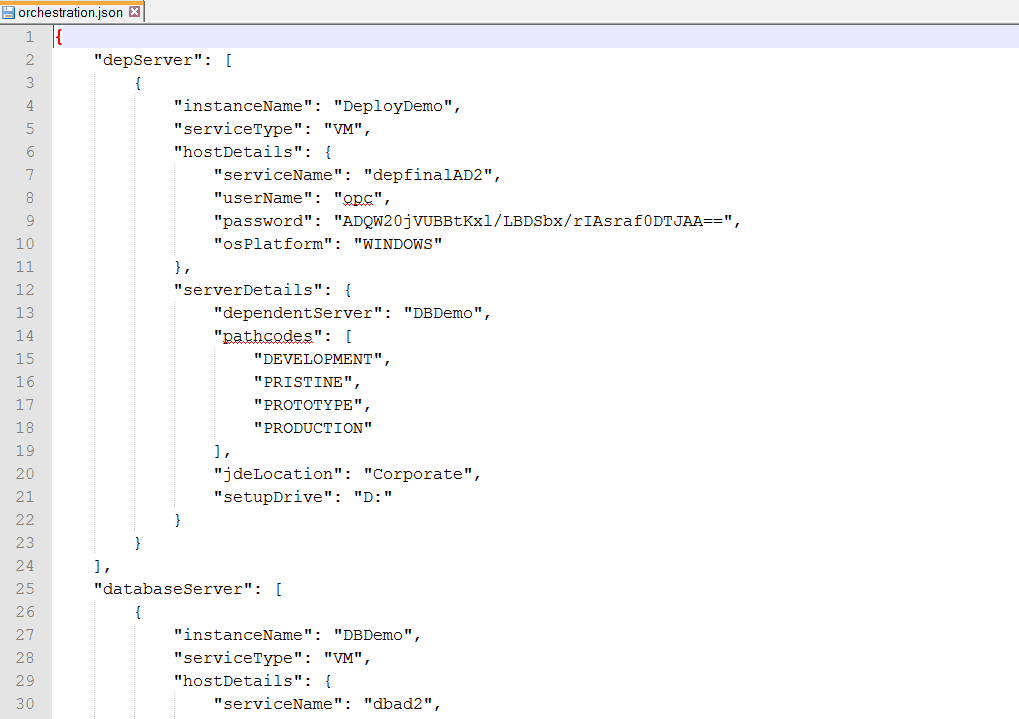
Note: If you want to view the raw contents of the .json file, you can open the file in an ASCII
editor as shown in the following screenshot.