Importing an Orchestration
This section shows you how to import an orchestration.
You can use the export and import functions of the JD Edwards Provisioning Console to save an existing orchestration (export) and to reuse (import) the saved orchestration.
Prerequisite
You must have configured the administrator passwords for WebLogic Server and Server Manager Console in the Configure section of the JD Edwards One-Click Provisioning Console.
Importing an Orchestration
To import an existing exported orchestration:
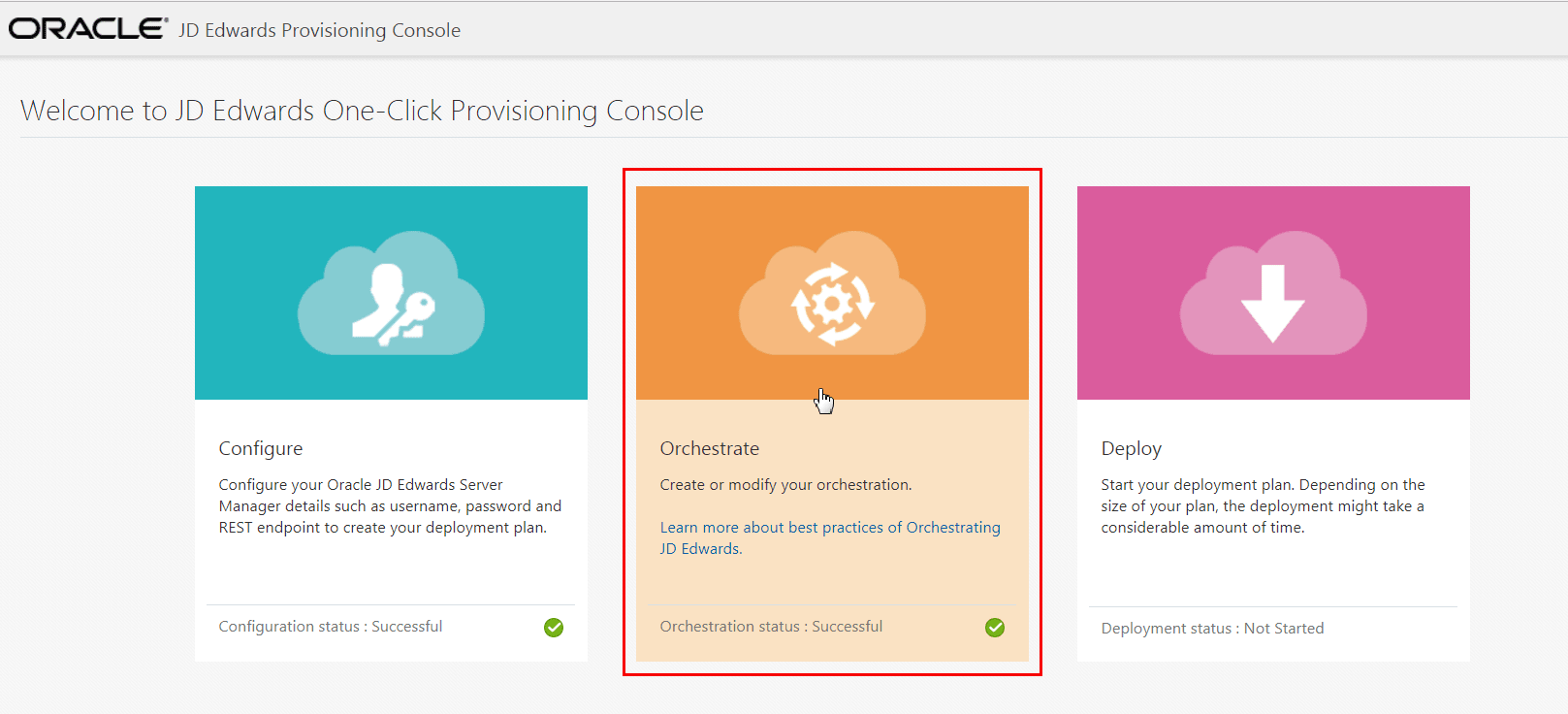
- On the JD Edwards Provisioning Console, click the Orchestrate icon.
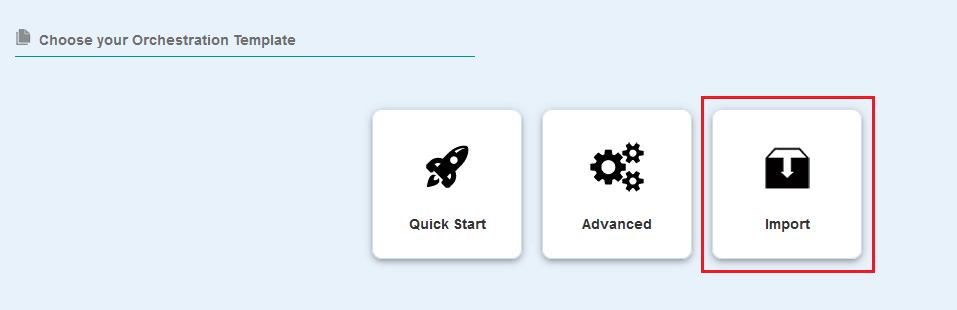
- Click the Import icon.
- On the Import One-Click Provisioning Console Orchestration window, click
Choose File, and then browse and select the exported
.jsonfile.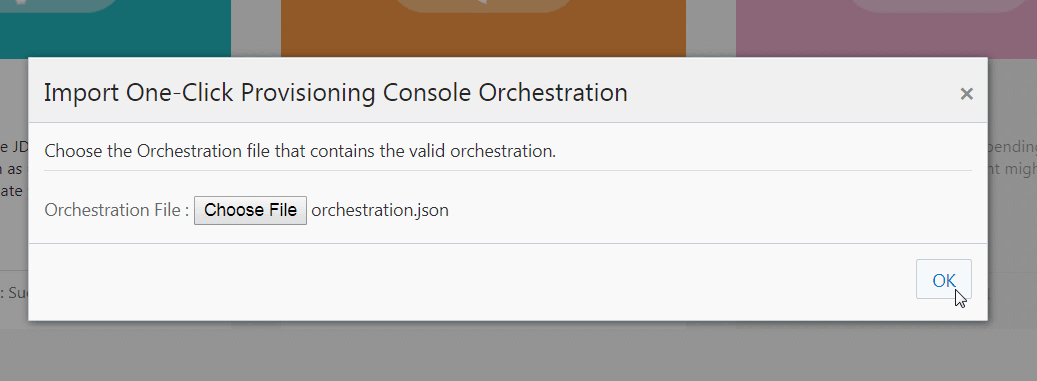
Note: If an error exists in the orchestration file you
imported, the system displays the details of that error. Also, the system
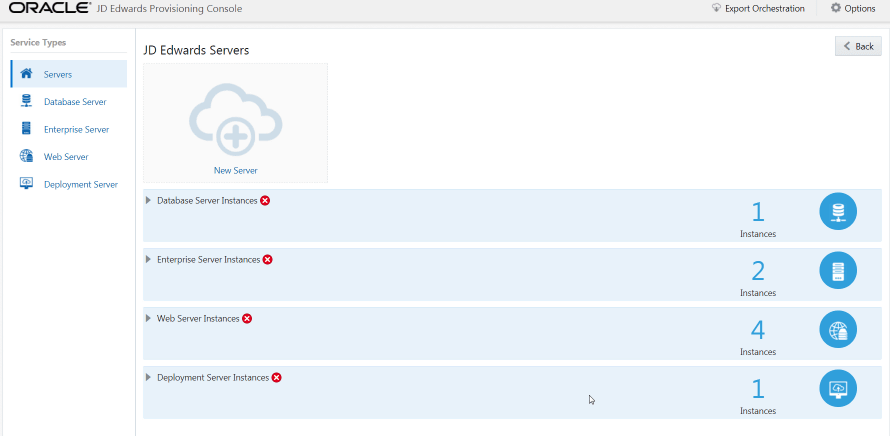
displays an error as illustrated in the following screenshot, if password
authentication is required. You must edit the instance, enter the required
password, and then save the instance.