(Test) Decrypt the Encrypted String
To decrypt the string:
-
Go to .
-
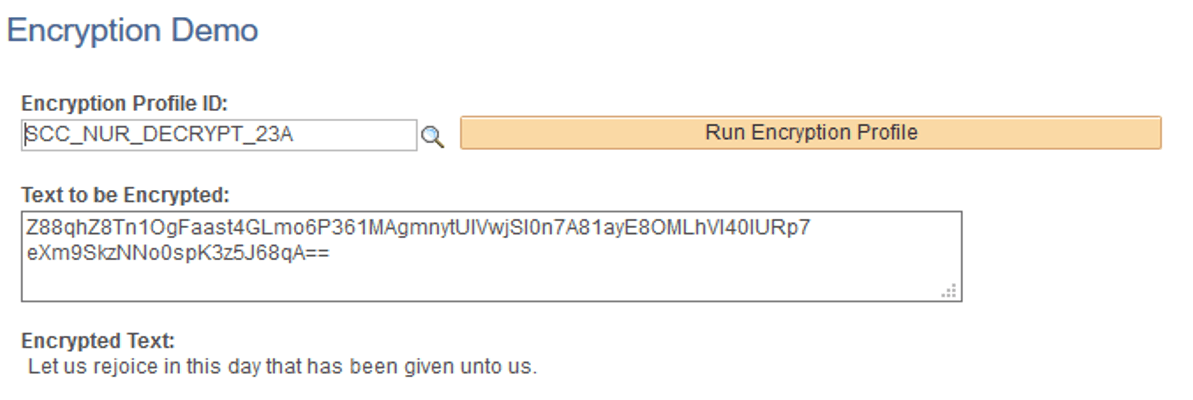
In Encryption Profile ID, use SCC_NUR_DECRYPT_23A.
-
Copy then paste the encrypted text you got when you encrypted a string in (Test) Encrypt a String.
-
Click Run Encryption Profile.
Verify that the encrypted text shows the sample text you chose to encrypt.
This example illustrates the fields and controls on the Encryption Demo page for SCC_NUR_DECRYPT_23A.