(Test) Encrypt a String
To encrypt a string:
-
Go to .
-
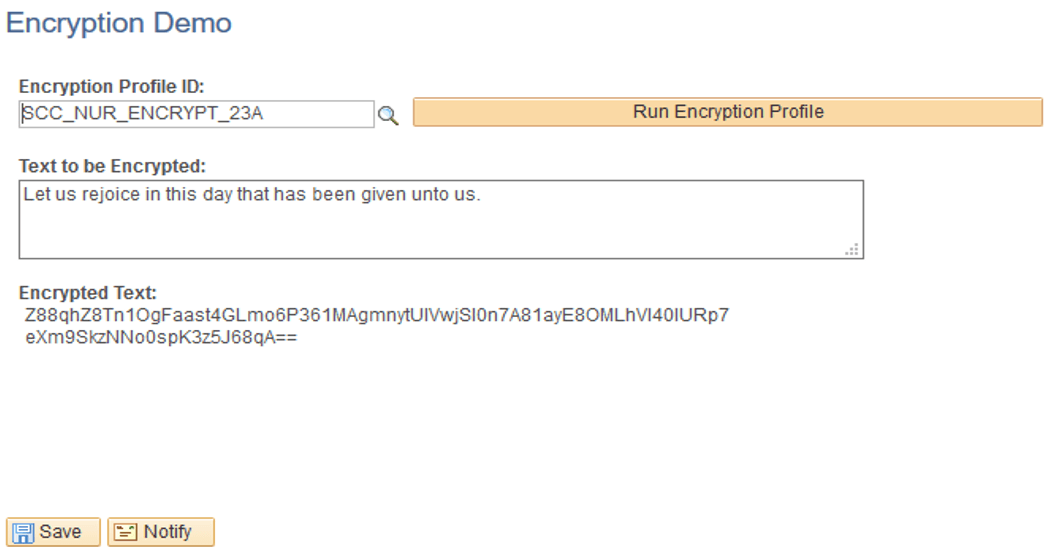
Enter any sample text to be encrypted.
-
In Encryption Profile ID, use SCC_NUR_ENCRYPT_23A.
-
Click Run Encryption Profile.
The encrypted text appears.
This example illustrates the fields and controls on the Encryption Demo page for SCC_NUR_ENCRYPT_23A.