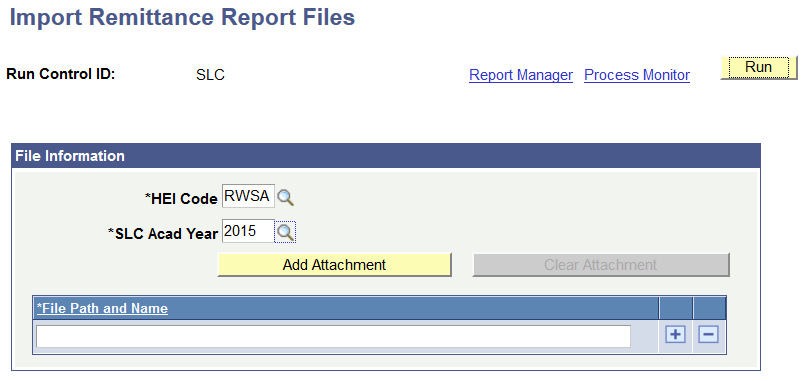
Importing Remittance Report Files
This section provides an overview of Remittance Report files and discusses how to load Remittance Report files.
Understanding Remittance Report Files
Remittance reports are sent to the HEI from the SLC and correspond with the receipt of Tuition Fee payments from the SLC to the HEI. These reports do not require a response from the HEI.
The major Remittance Report files are sent to the HEI from the SLC in February and April of each academic year. The HEI might also receive additional Remittance Report files that contain adjustments to the data that was previously sent.
Use the Import Remittance Report Files (SFA_SLC_RC_TFRA) component to load Remittance Report files to a staging table and use them for reconciliation with system data.