Reviewing Loan Action Codes
This section discusses how to view loan action codes.
Pages Used to Review Loan Action Codes
| Page Name | Definition Name | Navigation | Usage |
|---|---|---|---|
|
Loan Action Code Table |
PS_LOAN_ACTNCD_WK00 |
|
View loan action codes and messages for a specific aid year and loan program. |
|
Loan Action Codes |
LOAN_ACTNCD_TBL |
|
View loan action codes and descriptions. |
Viewing Loan Action Codes
Access the Loan Action Code Table page ().
This example illustrates the fields and controls on the Loan Action Code Table page. You can find definitions for the fields and controls later on this page.
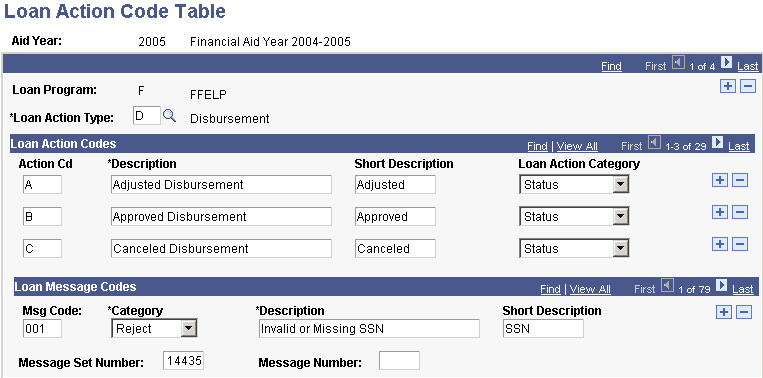
You can modify their descriptions, but do not add or delete loan action codes and messages. The four loan action types are: Disbursement, Origination, Promissory Note, and Reconciliation.
| Field or Control | Description |
|---|---|
|
Loan Message Codes |
Loan message codes are received by the school from the sending loan agency and are not generated by PeopleSoft loan processes. |
|
Message Set Number and Message Number |
These fields are used only by direct lending processes. |