Posting PDL Transactions
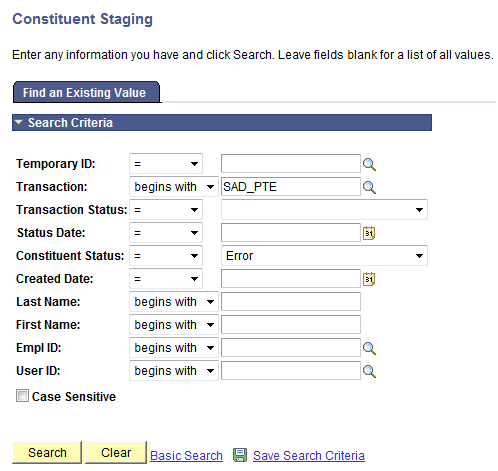
After loading the PDL data into the staging tables, review the staged constituent and prospect/admissions data. Then, run the CTM Transaction Management process to search/match and post the staged data into the production tables of the Campus Solutions database. This process will also determine if any errors exist in the data being posted. If there are errors, the Constituent Staging Status is set to Error and the errors are displayed on the Constituent Staging (CTM) and Prospect/Admissions Staging components. Return to the Constituent Staging component and search for the transactions you are processing which have errors.
This example illustrates the fields and controls on an example of searching for transactions on the Constituent Staging page.
Correct the errors indicated on each transaction. Then, run the Transaction Management process again to post these records.
Depending on the transaction and your business processes, the manner in which you post the staged data may vary. A couple examples of how you might go about this are listed below.