Processing Steps for Posting all Staged Data for a Specific Transaction
-
Run the File Parser process to populate staging records based on incoming data file.
Set SAD_PDL_HDR_STG.SCC_TRANS_STS = SB (Submitted).
-
Run the Transaction Management process to perform search/match and post staging data for the transaction loaded.
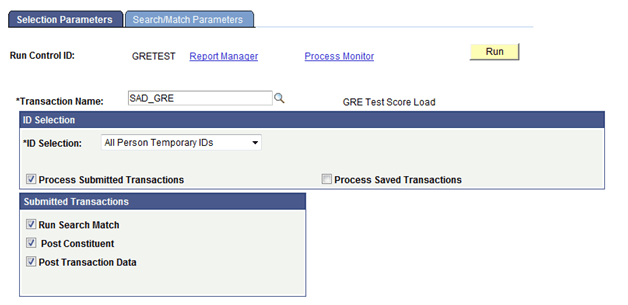
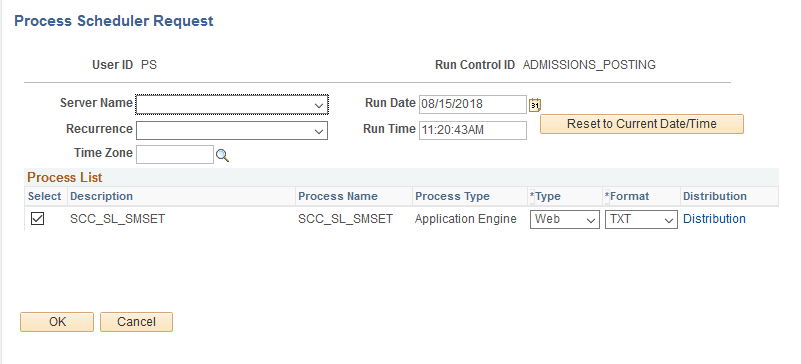
Set the ID Selection field to All Person Temporary IDs. Select the Process Submitted Transactions, Run Search Match, Post Constituent, and Post Transaction Data check boxes. On clicking the Run button, the Process Scheduler Request page appears. Select the Prospect Data Load – SMP process on this page.
This example illustrates the fields and controls on the Selection Parameters page when posting all data for a transaction.
This example illustrates the fields and controls on the Process Scheduler Request page when running the Prospect Data Load – SMP process.
-
Review staging records not posted based on search/match rules or validation errors.
Determine if new record should be created or existing record updated. Correct errors and save.
-
Manually post individual records or run the Transaction Management process again to post remaining records that were reviewed.