Step 1: Update Admissions URL
Procedure:
-
Access the URL Maintenance component ().
-
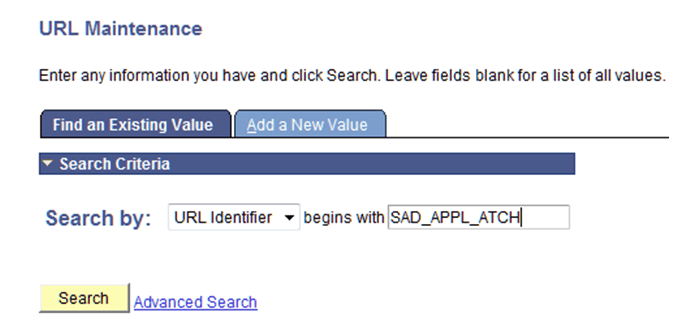
Enter SAD_APPL_ATCH in the Search by field:
This is an example of searching for SAD_APPL_ATCH in the URL Maintenance component.
-
Click the Search button.
-
Verify whether a URL value (either a File Server or Database) has been supplied.