Step 2: Create New Roles
Procedure:
-
Access the Roles component ().
-
For New User Registration, see Campus Community’s New User Registration Framework documentation for setup instructions on how to add role name CS - NUR GateKeeper.
-
For SOLA, complete the following steps:
-
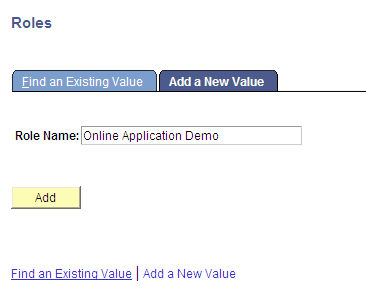
Add role name as Online Application Demo:
This is an example of adding a role for SOLA in the Roles component.
-
Click the Add button.
-
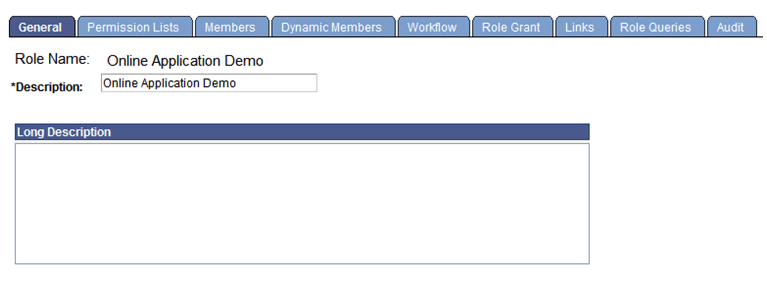
Add the description as Online Application Demo:
This is an example of adding a description for the SOLA role on the General page.
-
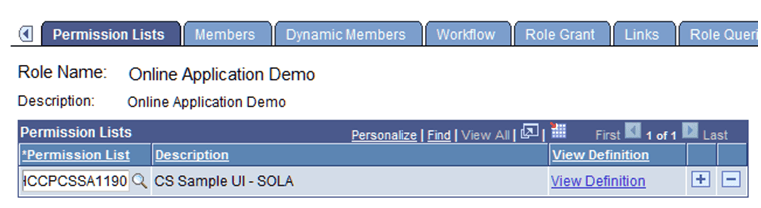
Add the permission list HCCPCSSA1190:
This is an example of adding a permission list for the SOLA role on the Permission Lists page.
-