Step 3: Create New User Accounts
Procedure:
-
Access the User Profiles component ().
-
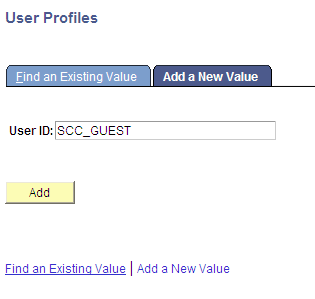
Add SCC_GUEST.
This is example of adding the guest account in the User Profiles component.
-
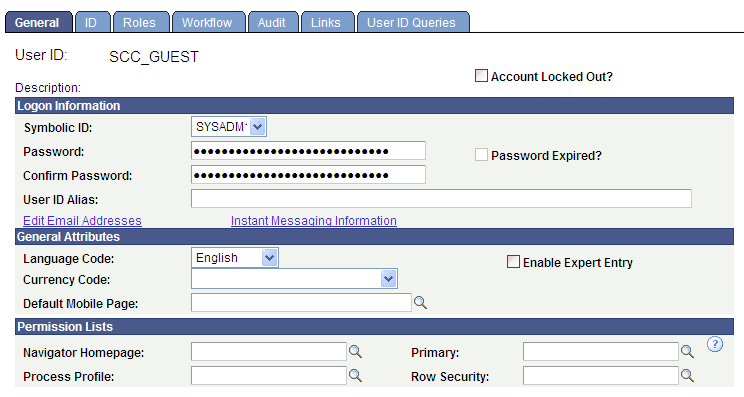
On the General page, enter values as shown in the following graphic:
Note:
For password, choose a password of your choice.
This example illustrates the values entered on the General page.
-
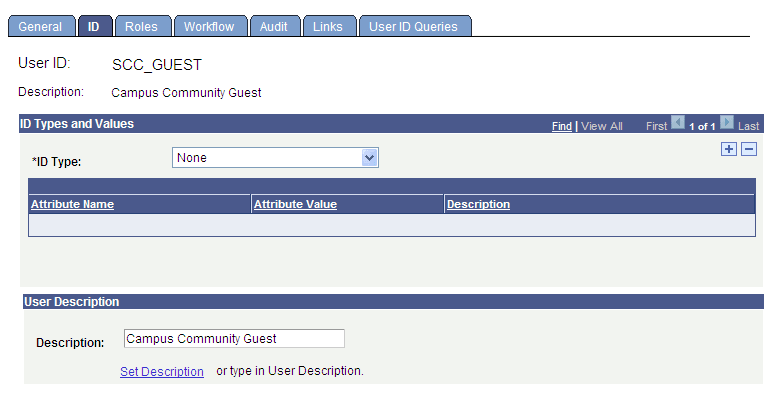
On the ID page, enter values as shown in this graphic:
This example illustrates the values entered on the ID page.
-
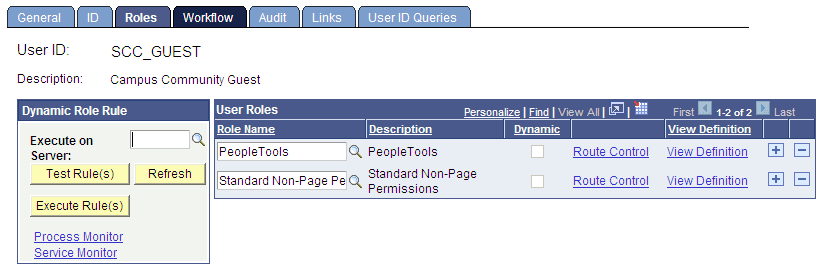
On the Roles page, enter values as shown in this graphic:
This example illustrates the values entered on the Roles page.
-
Save your changes.