Adding Homepages and Tiles
Pages Used to Add Homepages and Tiles
| Page Name | Definition Name | Usage |
|---|---|---|
|
PT_LANDINGPAGE |
Add a Homepage or add a tile to an existing Homepage |
|
|
PTNUI_ADDLP_SEC |
Select My Homepage or create a new Homepage. |
|
|
PT_LANDINGPAGE |
Add a tile to a Homepage |
Personalize Homepage Page
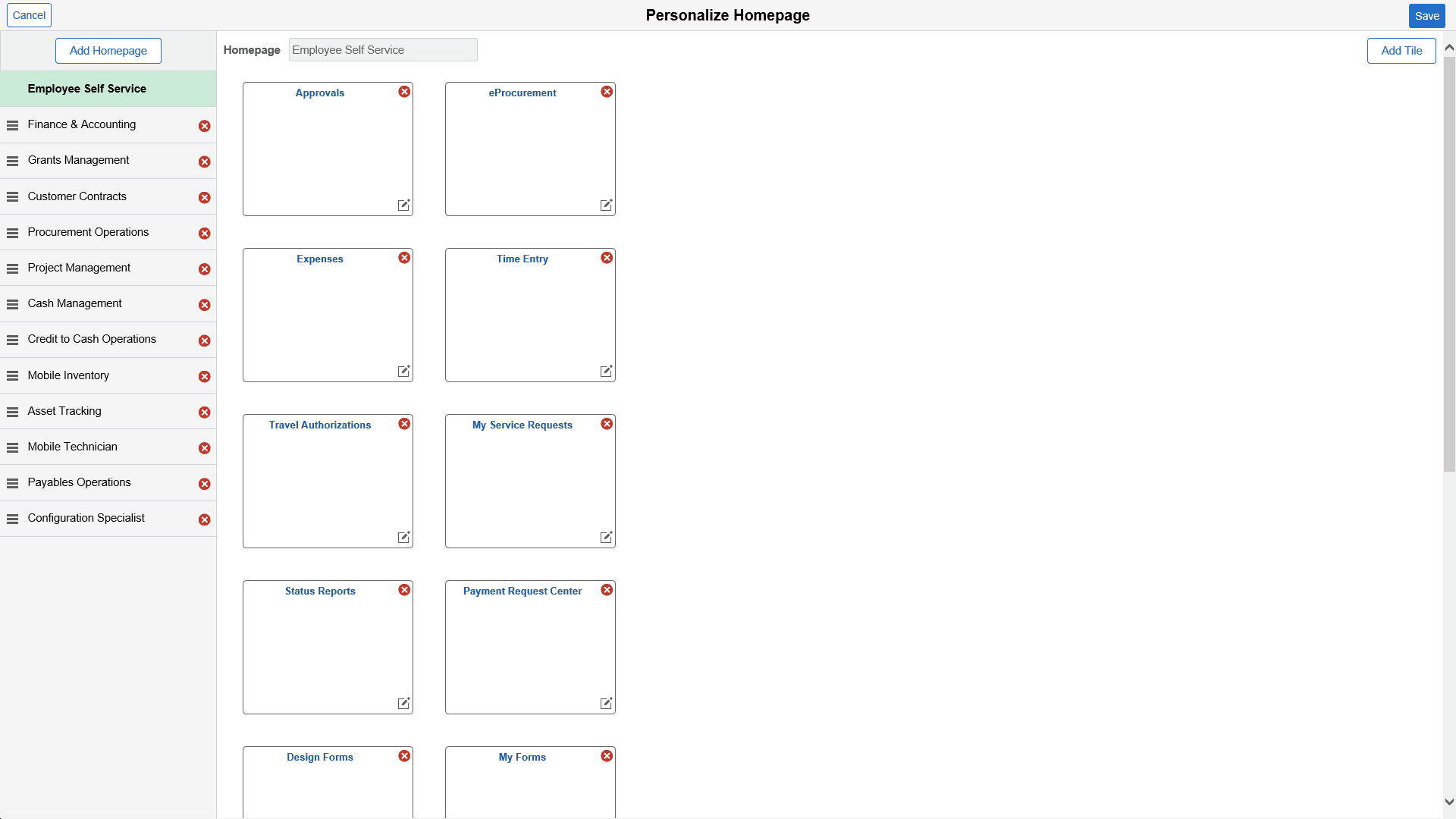
Use the Personalize Homepage page (PT_LANDINGPAGE) to add a Homepage or add a tile to an existing Homepage
Navigation:
This example illustrates the fields and controls on the Personalize Homepage Page.
Add Homepage Page
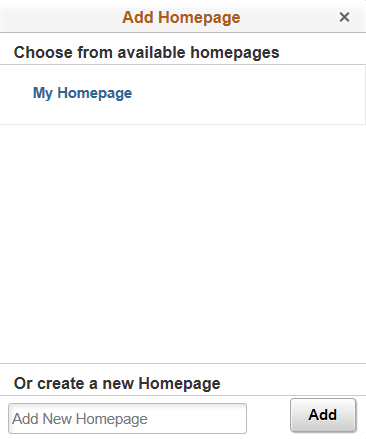
Use the Add Homepage page (PTNUI_ADDLP_SEC) to select My Homepage or create a new Homepage.
Navigation:
This example illustrates the fields and controls on the Add Homepage Page.
Add Tile Page
Use the Add Tile (PT_LANDINGPAGE) page to add a tile to a Homepage.
Navigation:
This example illustrates the fields and controls on the Add Tile page.
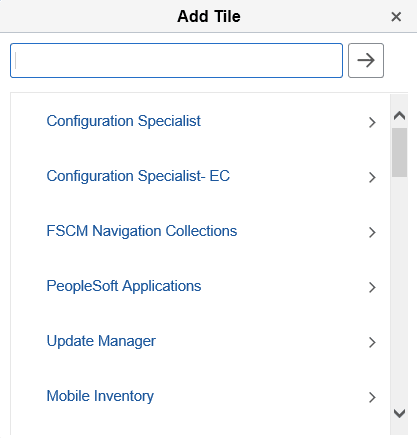
PeopleSoft delivers many tiles for its applications. Select the application to access a list of delivered tiles. Select the tile and the system adds it to the intended Homepage.
For information about how to add a tile to a PeopleSoft Fluid Home page, see PeopleTools: Application User’s Guide, “Working With PeopleSoft Fluid User Interface”, Working With Fluid Homepages and Dashboards, Managing Tiles on Fluid Homepages and Dashboards.