My Home - Favorites Section
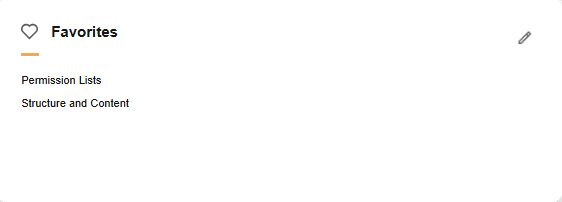
Use the Favorites section (EOHP_FAVORITES_SCTN_LP) to view and access pages you have saved to your favorites list.
Navigation:
The Favorites section appears on a My Home landing page when a user signs in.
This example illustrates the fields and controls in the Favorites section.
| Field or Control | Description |
|---|---|
 (Edit Favorites) |
Select to access the Edit Favorites Page and view a full list of favorites, make modifications to a link name, or delete a link. |