My Home - My Favorite Searches Section
Use the My Favorite Searches section (EOHP_MYFAVSEARCHES_SCTN_LP) to access searches you have saved as a favorite search.
Navigation:
The My Favorite Searches section appears on a My Home landing page when a user signs in.
This example illustrates the fields and controls in the My Favorite Searches section.
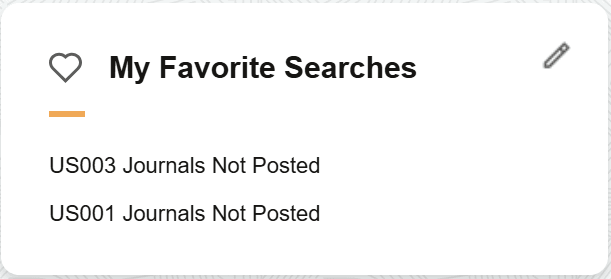
Use this section to access searches you saved from a search transaction page as a favorite.
Use the Edit button to access the My Favorite Searches page and view a full list of saved searches.