Understanding Customer Contact Popup Pages
There are three types of contact popup pages:
-
Bill To Customer Contact Popup Page (type 4)
-
Ship To Customer Contact Popup Page (type 5)
-
Sold To Customer Contact Popup Page (type 6)
If the address of the contact is the correct type of address for the page, then the address of the contact is shown. If it is not the correct type of address, then the customer's primary address is shown. For example, on the Bill To Contact popup page, if the contact's address is not marked as a bill to address, then the customer's primary bill to address is shown. The contact's address is stored on the Contact Customer page. The current date is used as the effective date.
If any of the fields on the popup page show as blank, it means that the data is not defined for the contact. For example, the phone numbers and title are optional fields. Therefore, if they are blank on the contact master, they are displayed as blank on the popup page.
The contact phone numbers are stored in three separate fields: country code, phone, and extension. These three fields are concatenated together when displayed on the page. The country code is prefixed with a + and the extension field is prefixed with an x.
If the email link on the popup page is pressed, a new window with the defined mail program for the user opens for the user to create a new email. The email address is automatically populated on the email.
Bill To Customer Contact Popup Page (Type 4)
The Bill To Customer Contact popup page (SAC_CUSTCNTBIL_POP):
This example illustrates the fields and controls on the Example of Bill To Customer Contact popup page. You can find definitions for the fields and controls later on this page.
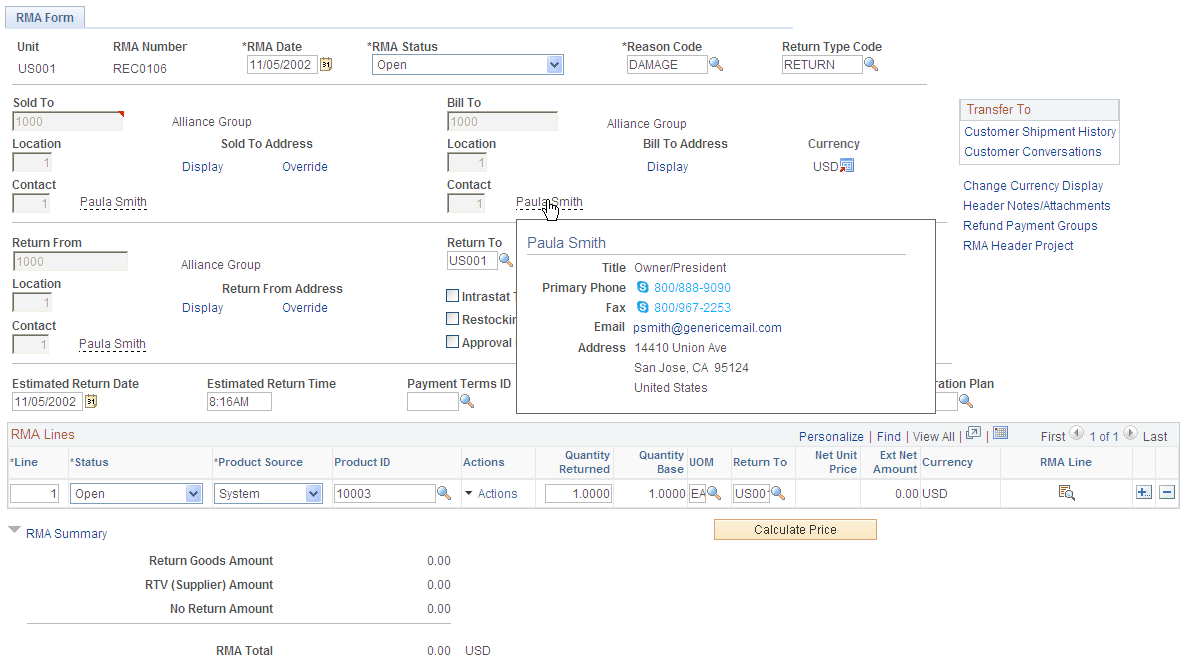
An example of where this popup page is used is the RMA Form page in PeopleSoft Order Management.
Ship To Customer Contact Popup Page (Type 5)
The Ship To Customer Contact popup page (SAC_CUSTCNTSHP_POP):
This example illustrates the fields and controls on the Example of Ship To Customer Contact popup page. You can find definitions for the fields and controls later on this page.
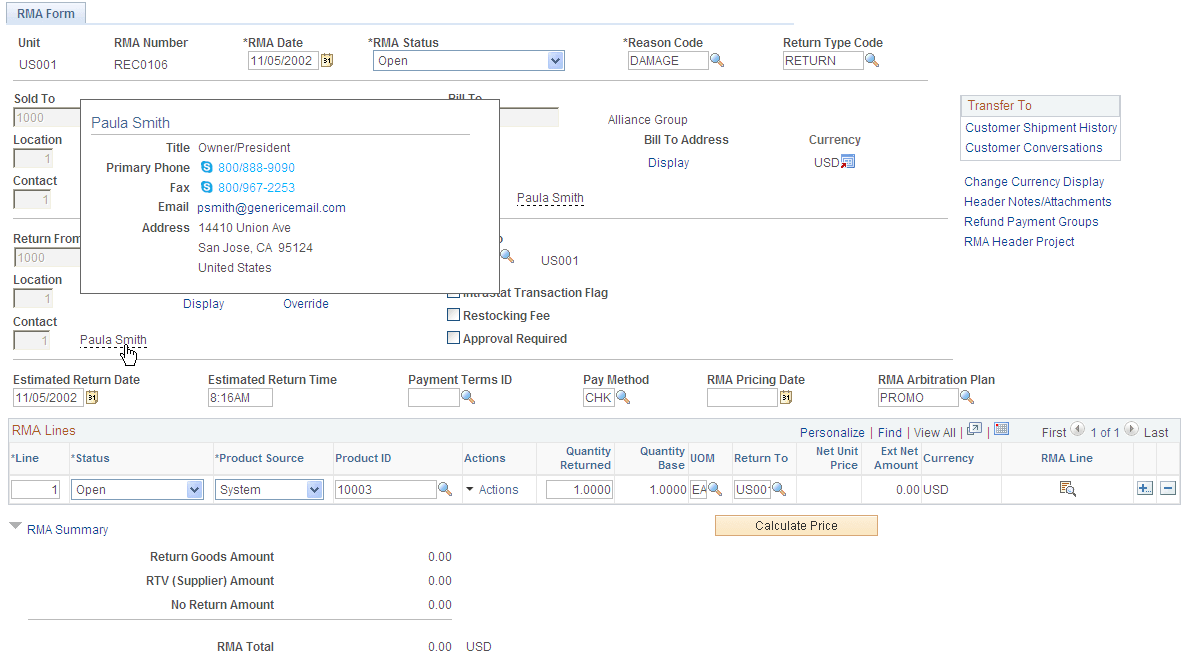
An example of where this popup page is used is the RMA Form page in PeopleSoft Order Management.
Sold To Customer Contact Popup Page (Type 6)
The Sold To Customer Contact popup page (SAC_CUSTCNTSLD_POP):
This example illustrates the fields and controls on the Example of Sold To Customer Contact popup page. You can find definitions for the fields and controls later on this page.
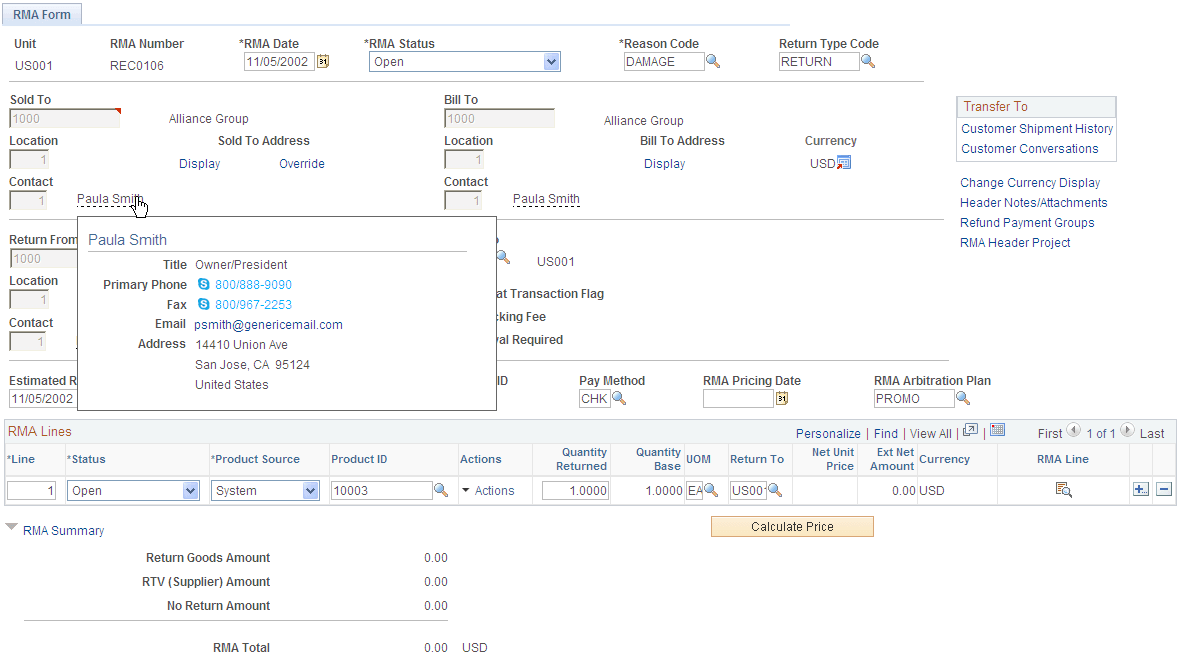
An example of where this popup page is used is the RMA Form page in PeopleSoft Order Management.