Refine Filter Criteria Page (SFF)
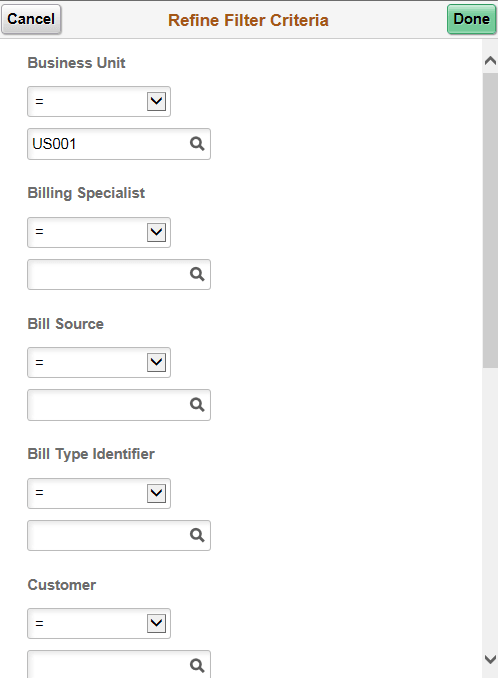
Use the Refine Filter Criteria page (SFF) (EOWC_FILTER_VAL_FL) to select filter values for the transaction list.
Navigation:
. Select an invoice. Select the Refine Filter Criteria button.
This example illustrates the fields and controls on the Refine Filter Criteria page (SFF) (1 of 2).
This example illustrates the fields and controls on the Refine Filter Criteria page (SFF) (2 of 2).
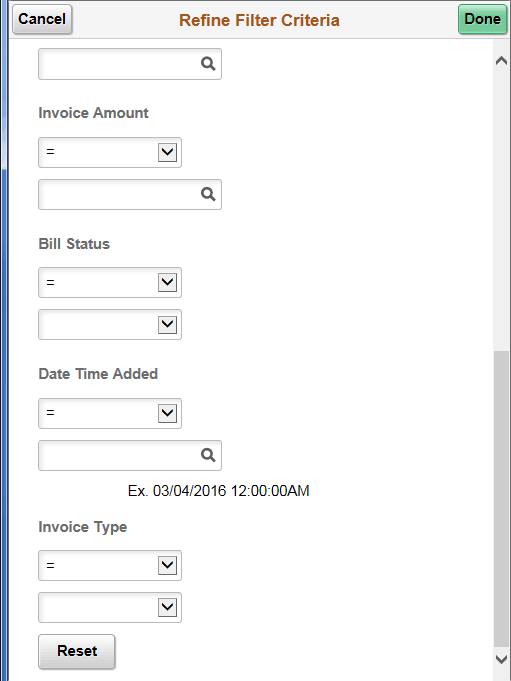
Use this page to filter the transaction list that is accessed from the Billing WorkCenter.
| Field or Control | Description |
|---|---|
|
Done |
Select to return to the list where your filter changes have been applied. |
|
Reset |
Select to restore saved filter values and disregard any changes. |