Invoice Not Finalized Page (Fluid SFF)
Use the Invoices Not Finalized page (Fluid SFF) (BI_HDR_APP_GRID_FL) to view a summarized list of invoices that need to be finalized.
Navigation:
This example illustrates the fields and controls on the Invoice Not Finalized page (Fluid SFF).
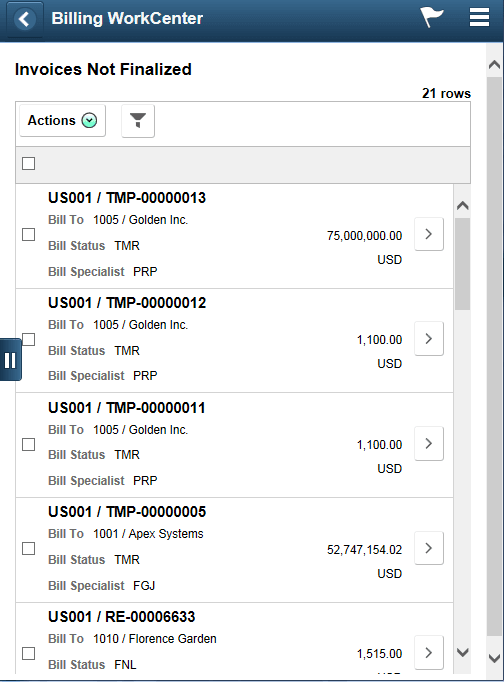
Use this page to select an invoice and access various pages. The page accessed is determined by the form factor being used and the status of the invoice.
| Field or Control | Description |
|---|---|
|
|
Select to return to the My Billing Work page. |
|
(check box) |
Select one or more check boxes to take a selected action on one or more transactions. |
|
|
Select to indicate that you want to perform the action selected in the Action drop-down field for one or more selected rows. Options include:
|
|
|
Select to access the Refine Filter Criteria Page (SFF), where you can filter the results of this page. |
|
|
Select to access the Bill Summary Page (SFF). |
 (Master)
 (Actions)
 (refine filter criteria)
 (more)